






70s AI Filter
Your personal AI photographer, available 24/7.
- Generate professional portraits instantly
- Create product photos for your online store
- Transform any AI photo into engaging video content
- Skip the expensive photoshoot - create from anywhere
Free Plan Available
Create one model and get 4 photos free • No credit card required
Time Travel to the 70s
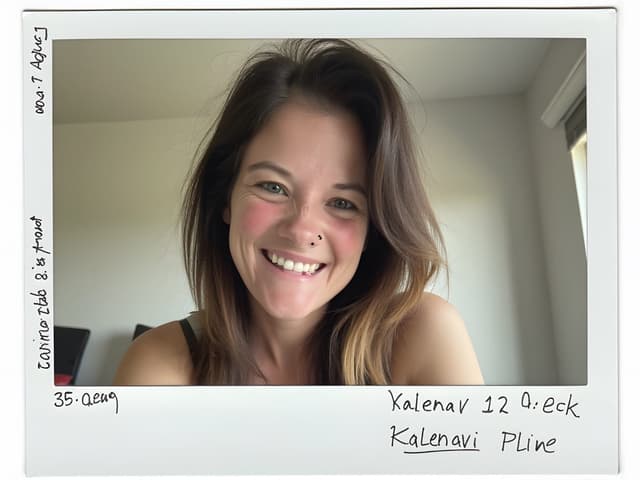
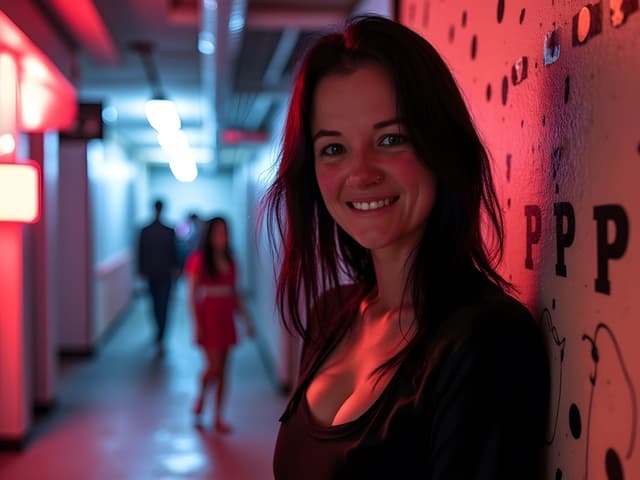
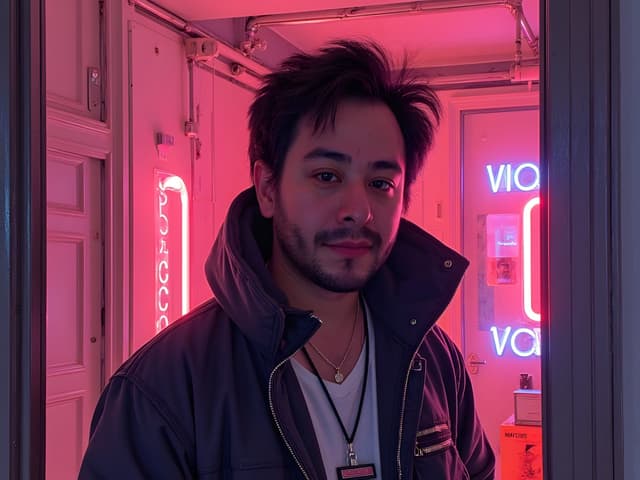
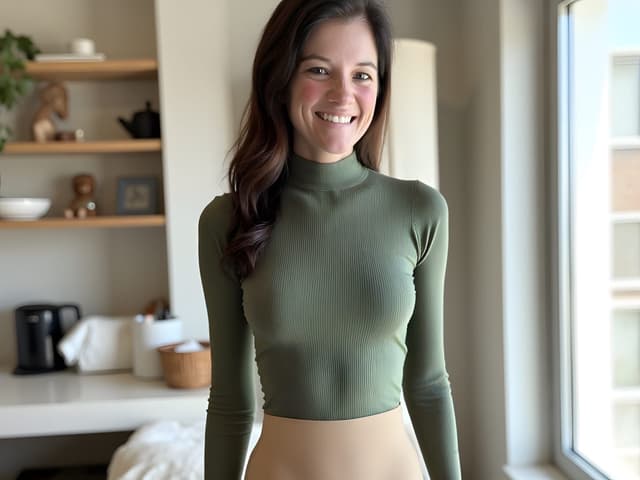
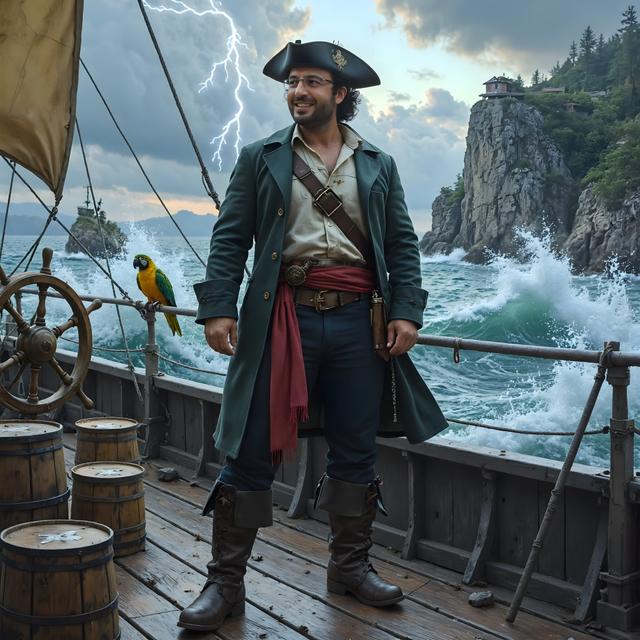
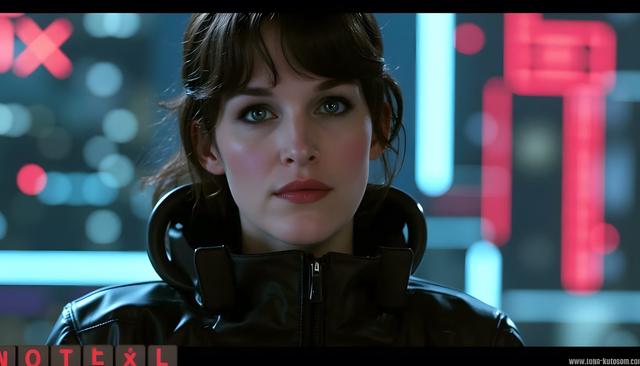
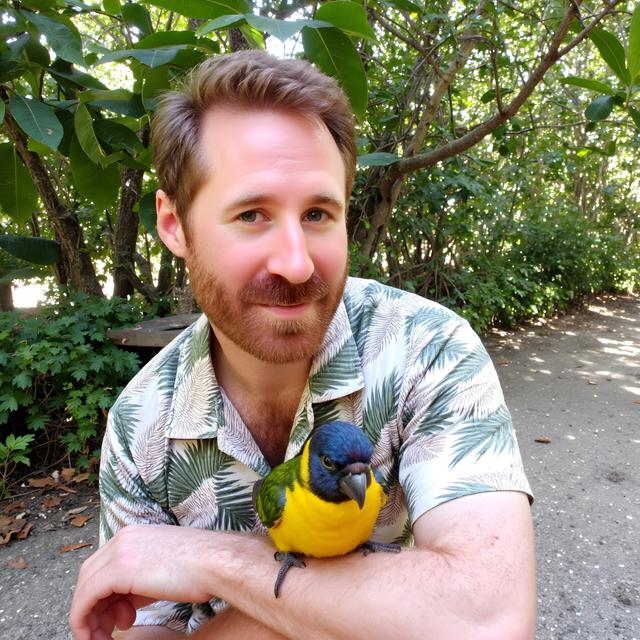
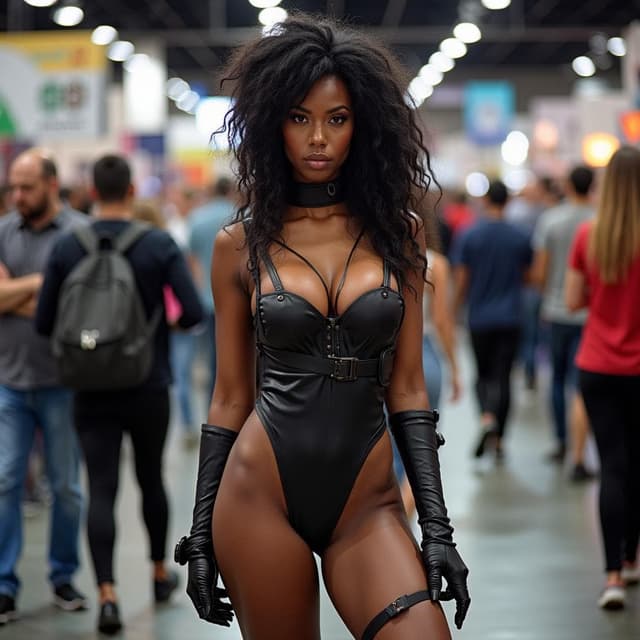
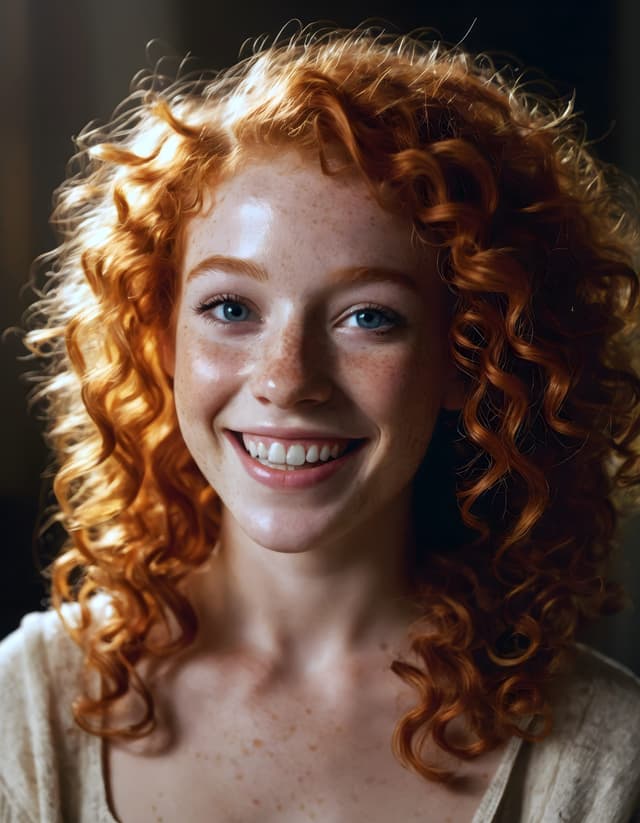
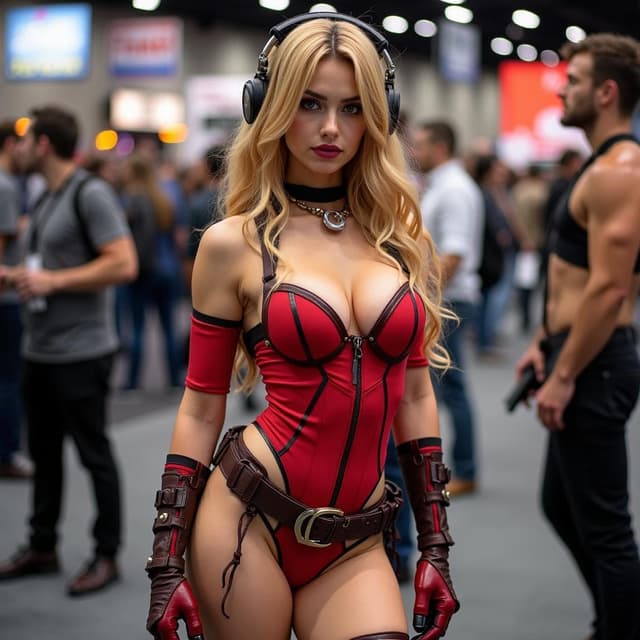
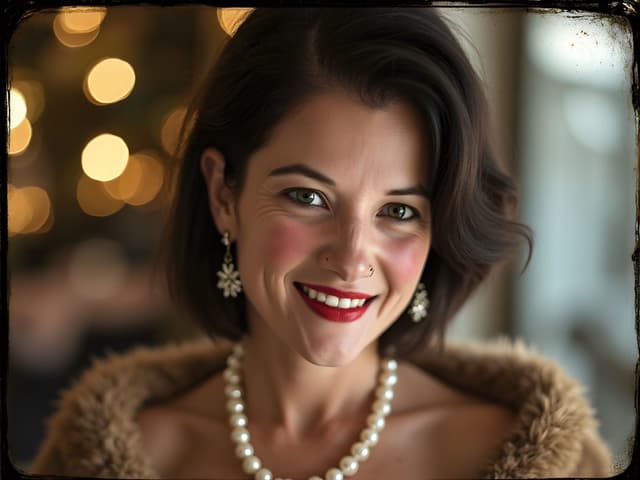
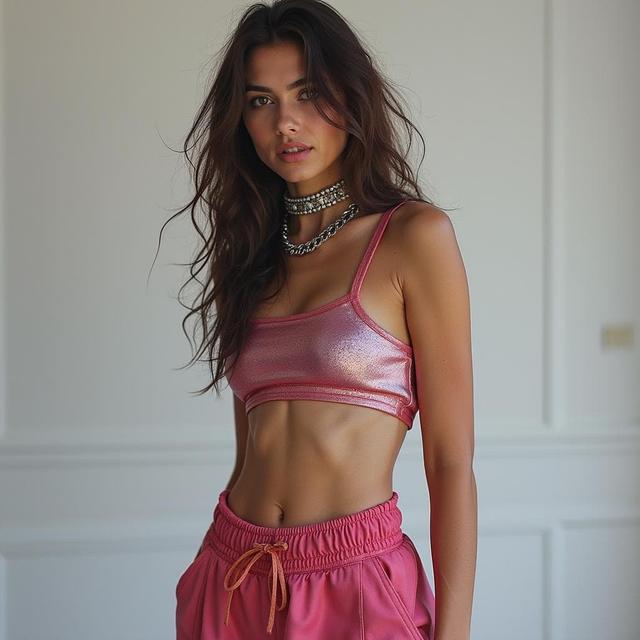
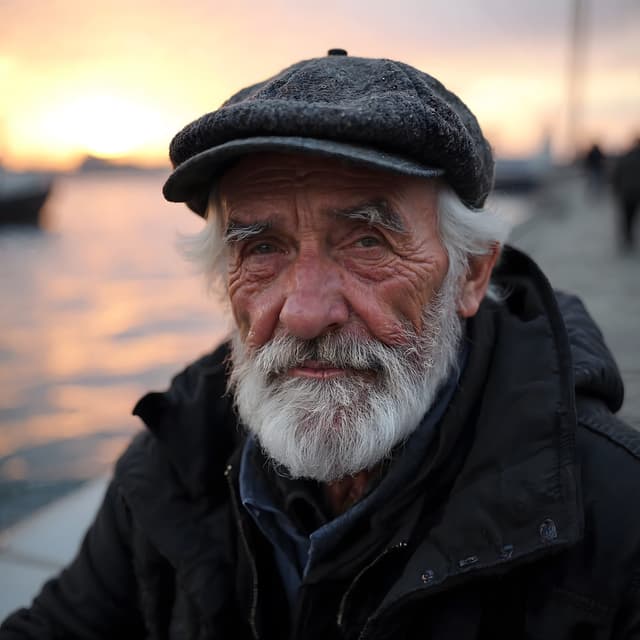
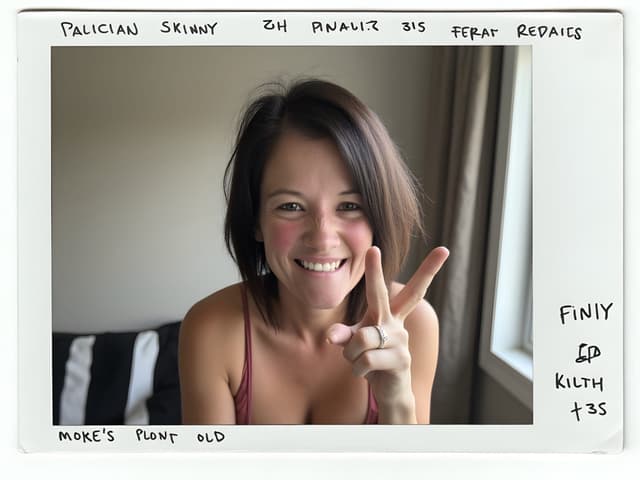
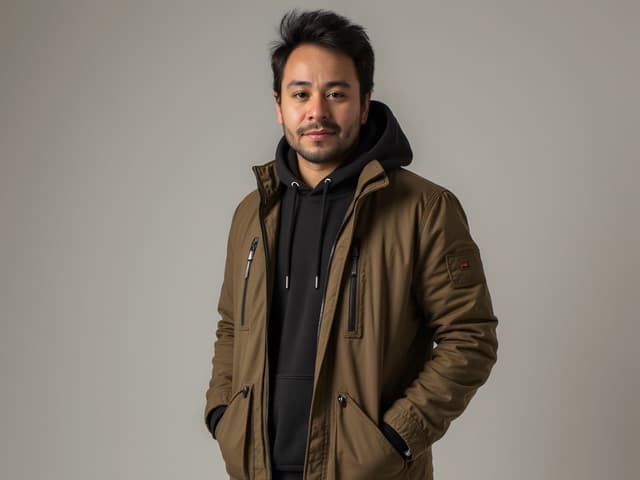
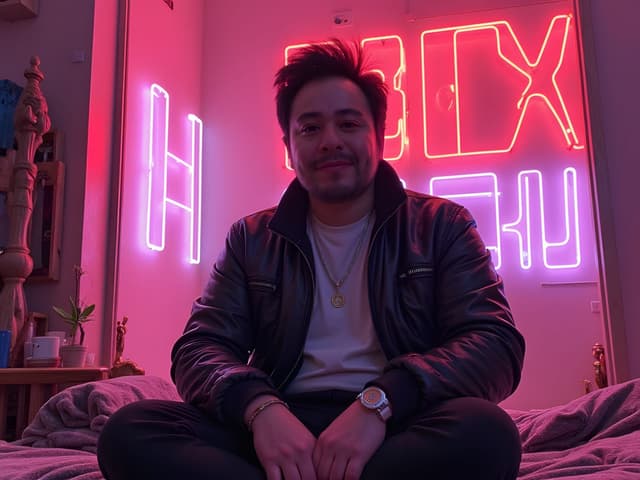
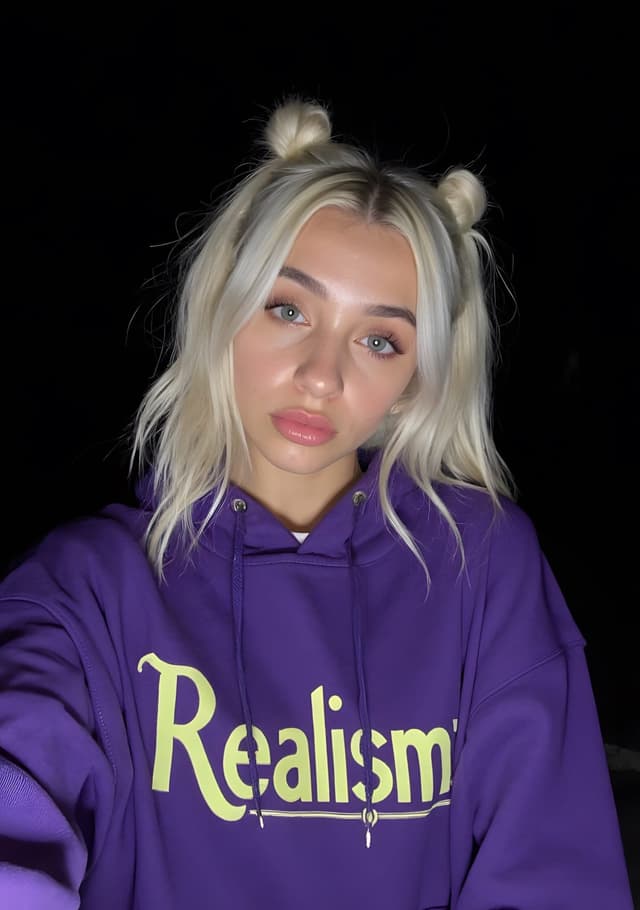
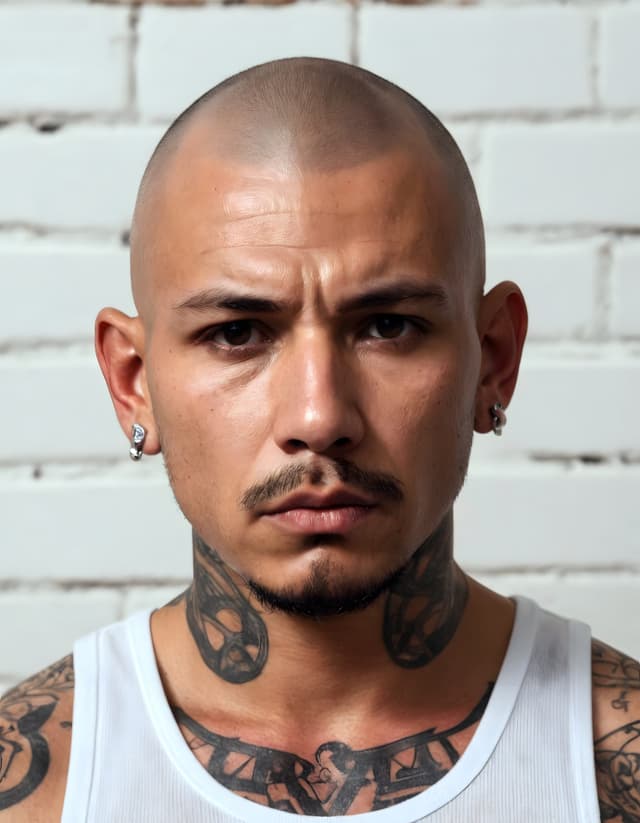
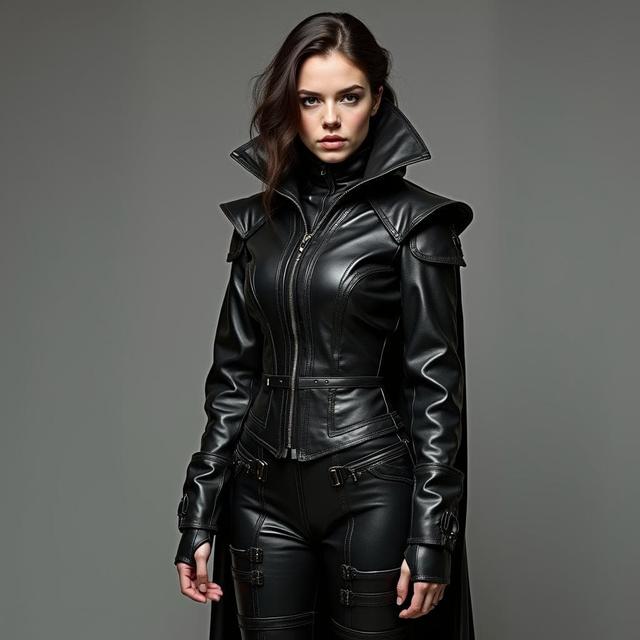
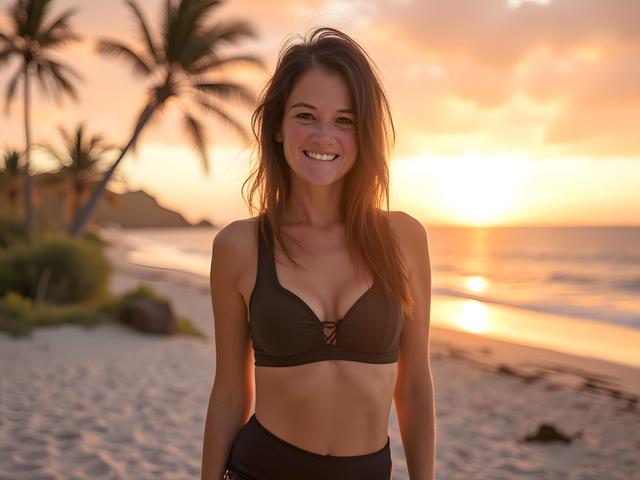
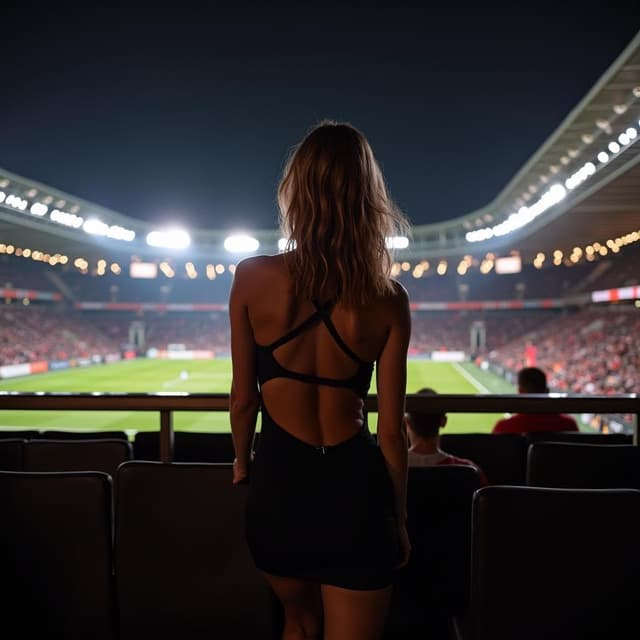
Step back in time with AI Photo Photo's 70s AI Filter. Transport your modern photos into the vibrant era of grunge, hip-hop, and pop culture that defined a generation.
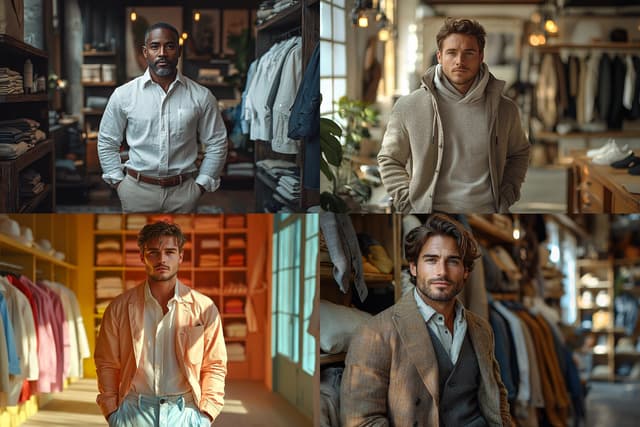
Authentic 70s Aesthetics
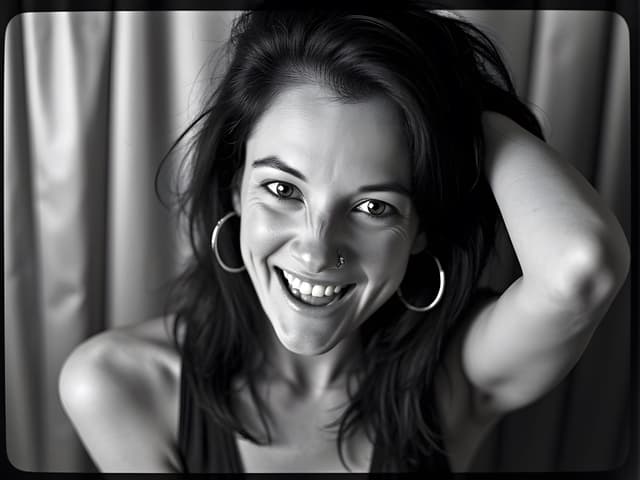
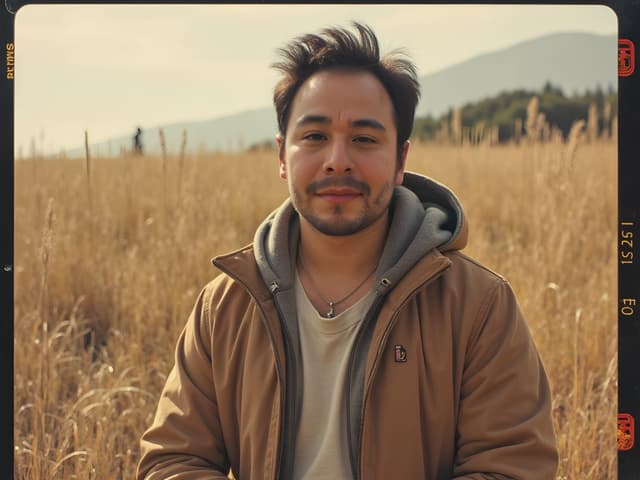
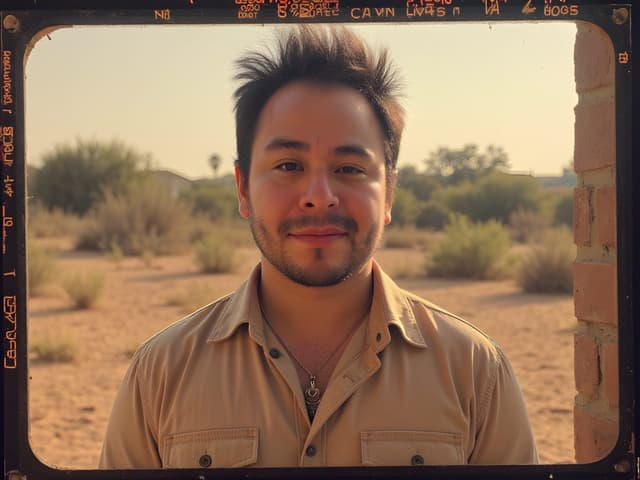
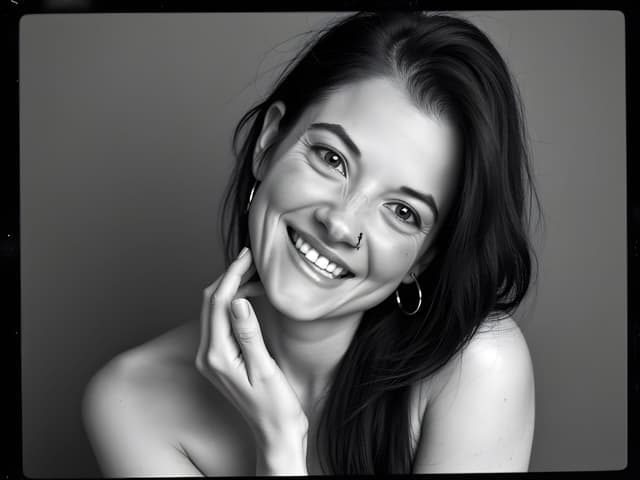
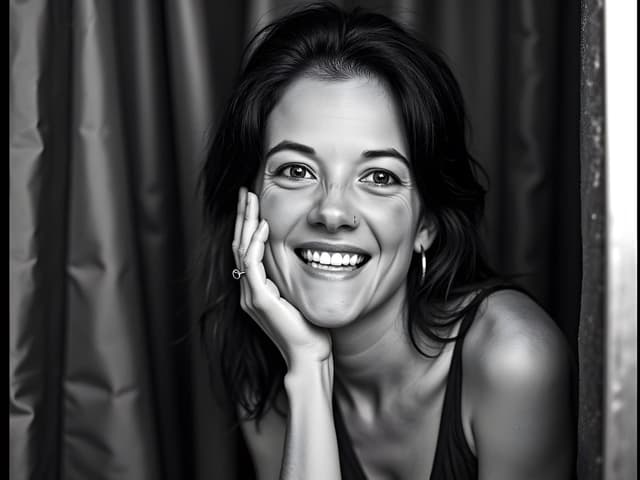
Experience the authentic look of 70s photography with film grain, vintage color palettes, and iconic visual effects that defined the decade.
Transform in 60 Seconds
Sign up, upload your photos, and watch as our AI transforms them with authentic 70s style elements, from classic film effects to period-specific aesthetics.
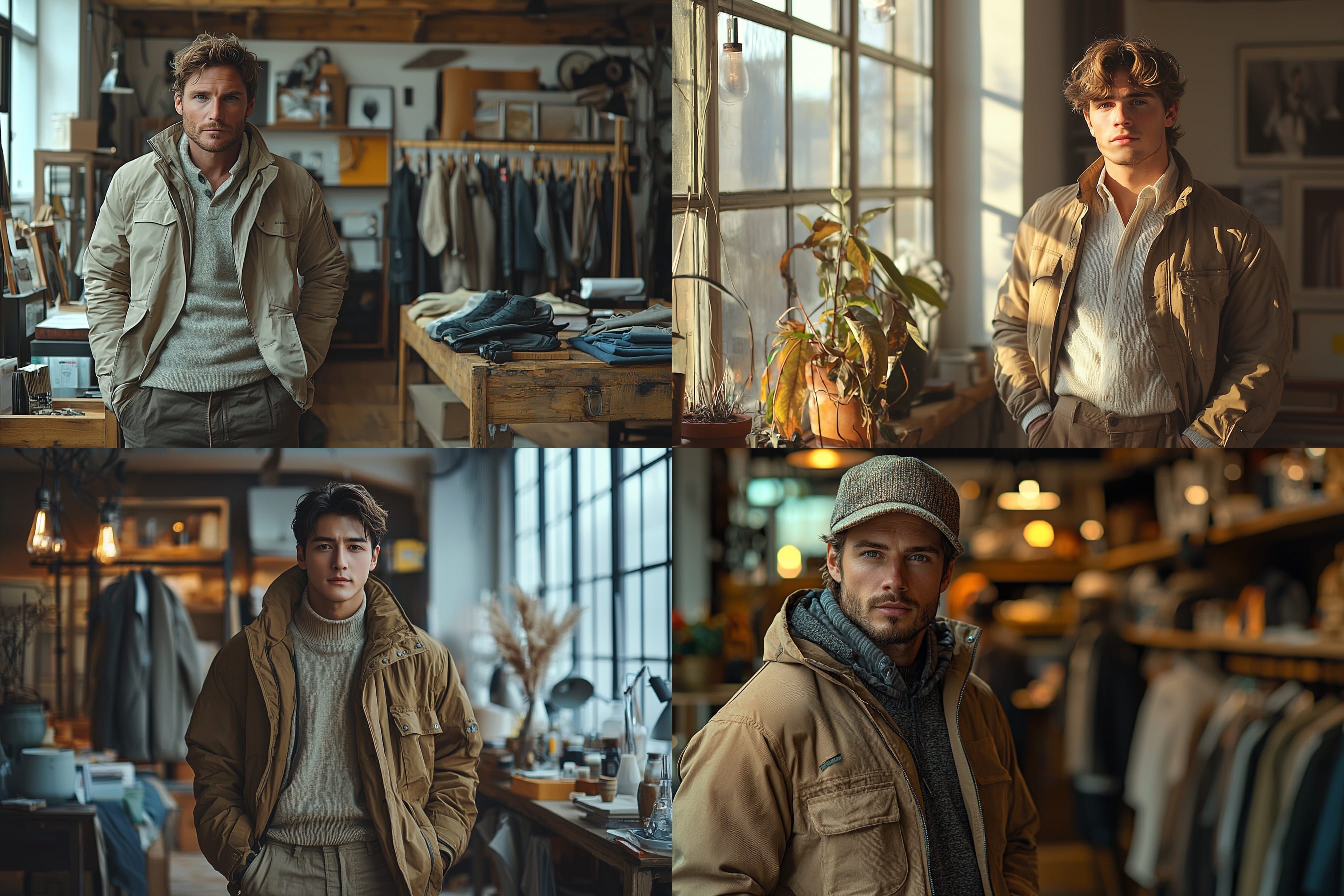
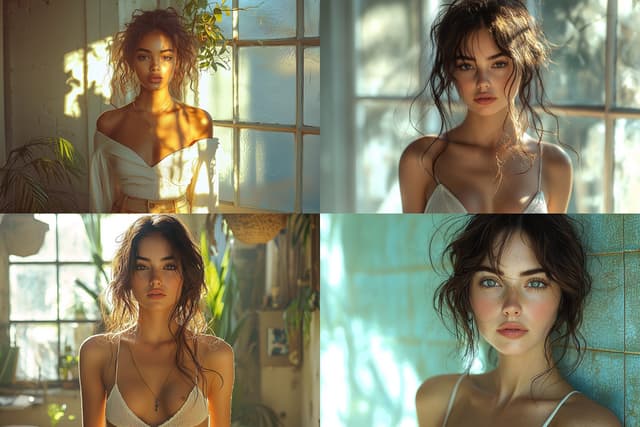
Nostalgic Style Revolution
Turn your modern snapshots into 70s masterpieces complete with period-accurate fashion, hairstyles, and visual elements that defined the era.
Customizable Retro Effects
Choose from various 70s-inspired filters and effects, from grunge to pop art, creating the perfect retro look for your photos.
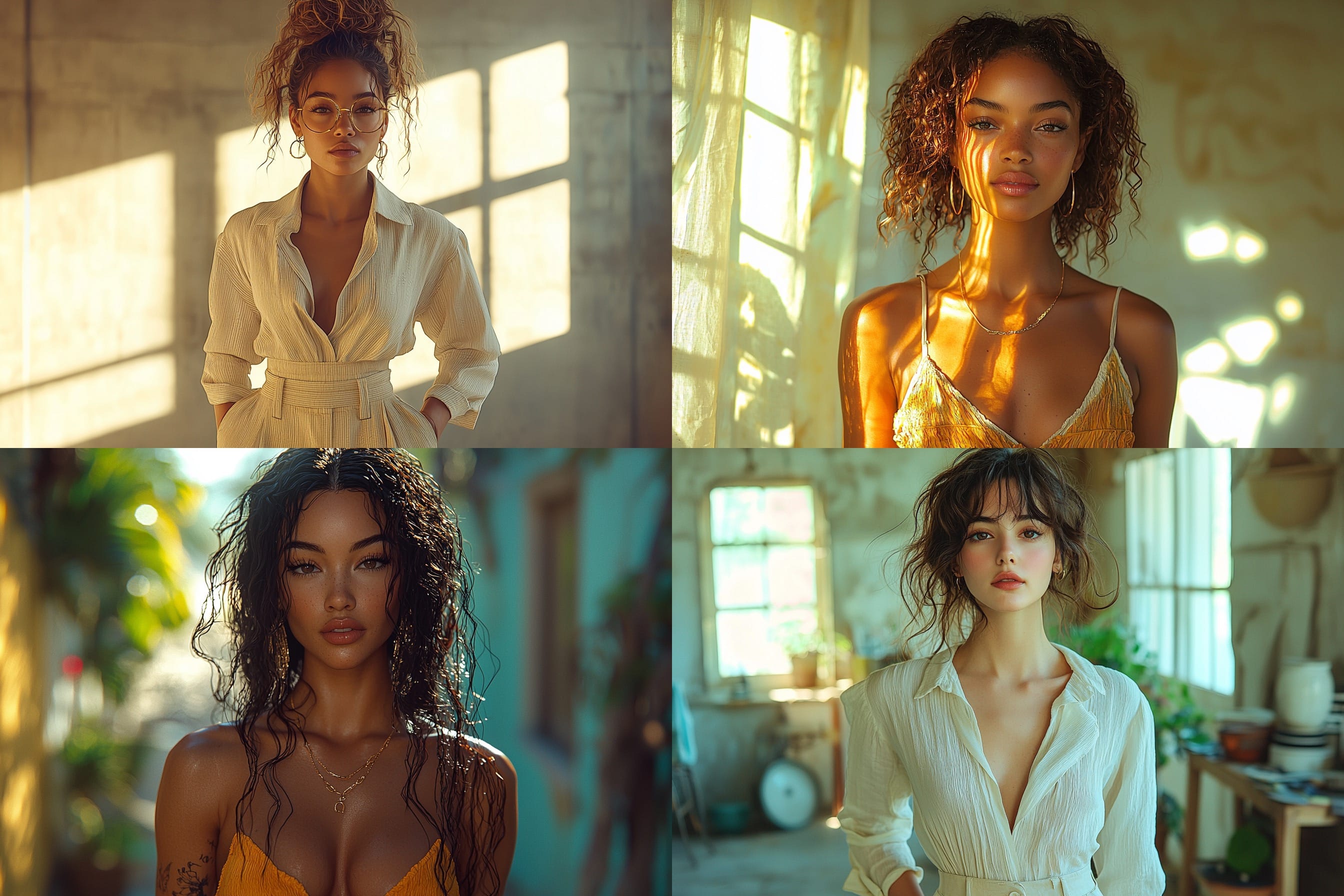
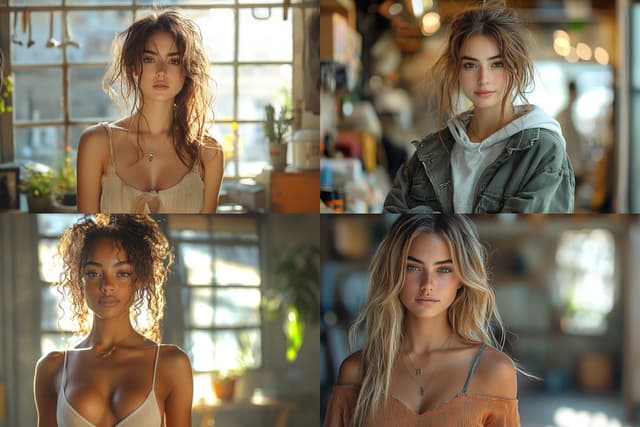
Perfect 70s Time Capsule
Create stunning retro portraits that capture the essence of the 70s. Perfect for themed parties, social media posts, or just reliving the golden age of analog photography.
Advanced AI Retro Processing
Our sophisticated AI technology ensures your photos maintain their quality while being transformed with authentic 70s effects. Unlike basic filters, our AI understands the nuances of 70s photography, creating results that look genuinely vintage.
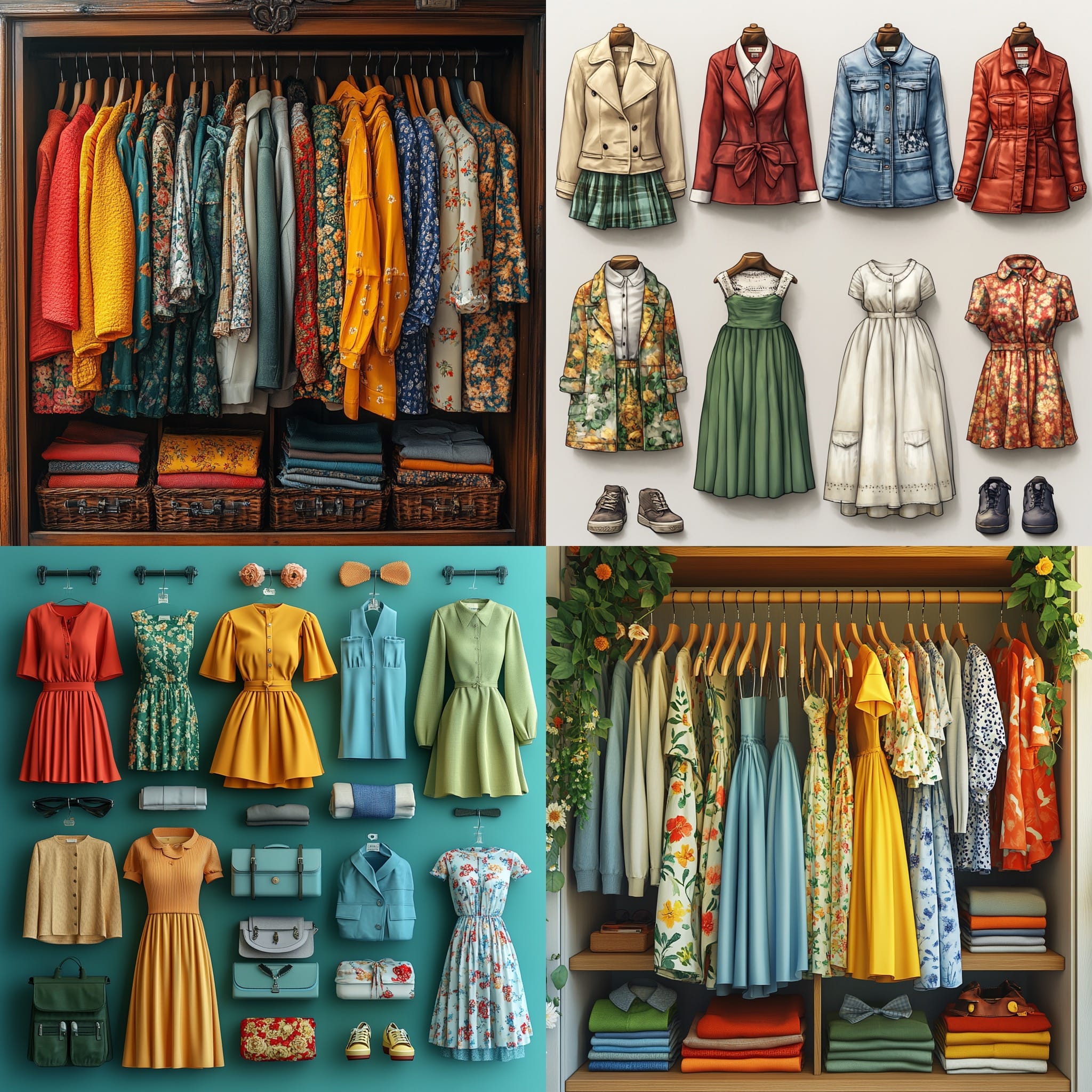
Common Questions About 70s AI Filter
Find answers to your questions about using AI Photo Photo's 70s AI Filter and start creating nostalgic masterpieces today.
Every feature you need to create stunning AI portraits. Try it for yourself.
AI Photo Photo was built for creators like you who refuse to settle for plain stock images. Get professional, custom photos that match your exact vision.
Transform your photos instantly
Upload your photos and watch as our AI technology transforms them into stunning professional portraits. Create unique images for every occasion - from professional headshots to creative artistic portraits.
Access premium AI styles
Explore our growing collection of premium AI styles, ranging from professional business looks to creative artistic effects. New styles are added regularly, giving you endless possibilities for your photos.
Create custom AI portraits
Generate unlimited variations of your portraits with different styles, outfits, and backgrounds. Perfect for creating a diverse portfolio of professional and personal photos without the need for multiple photoshoots.
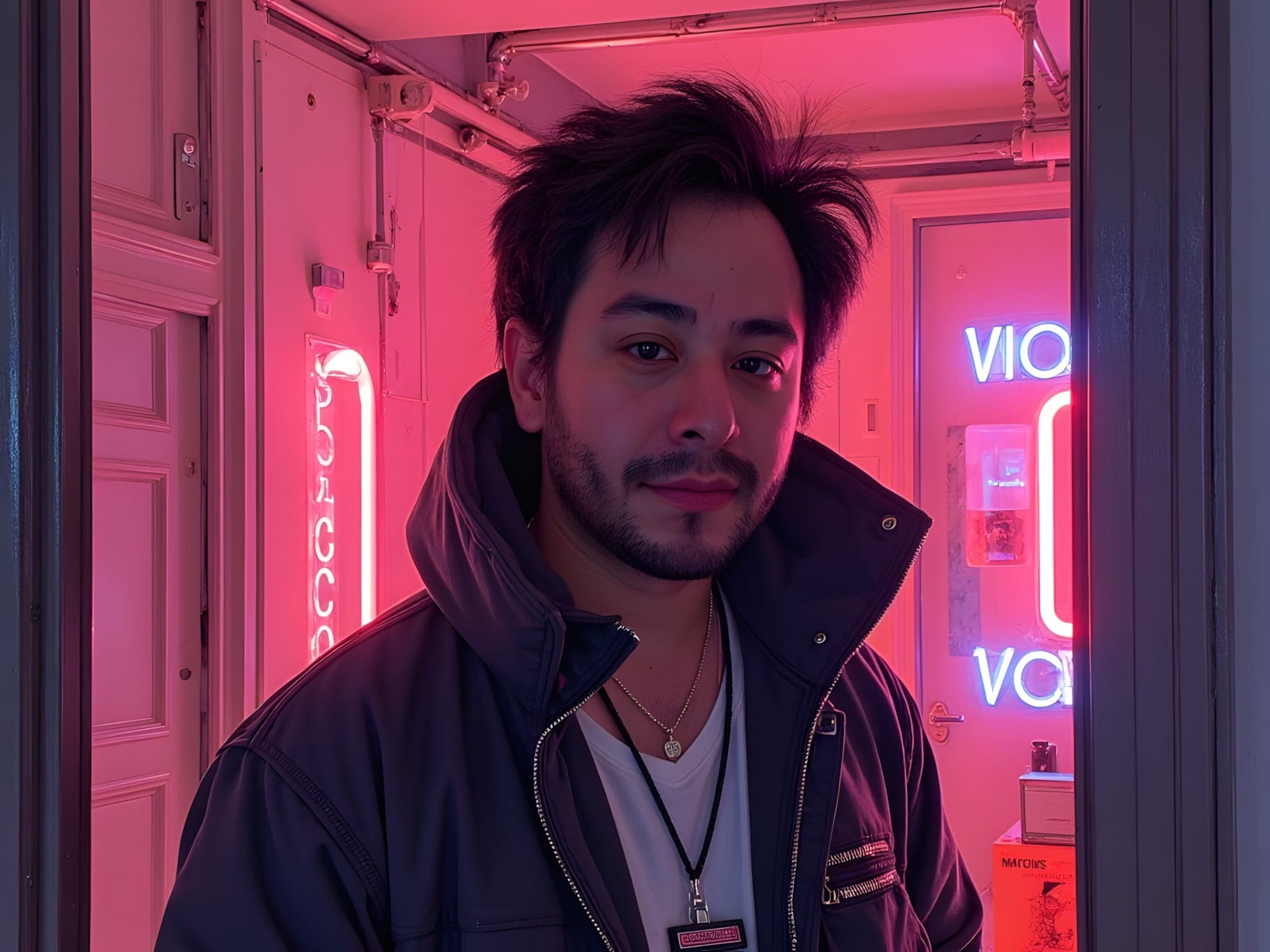
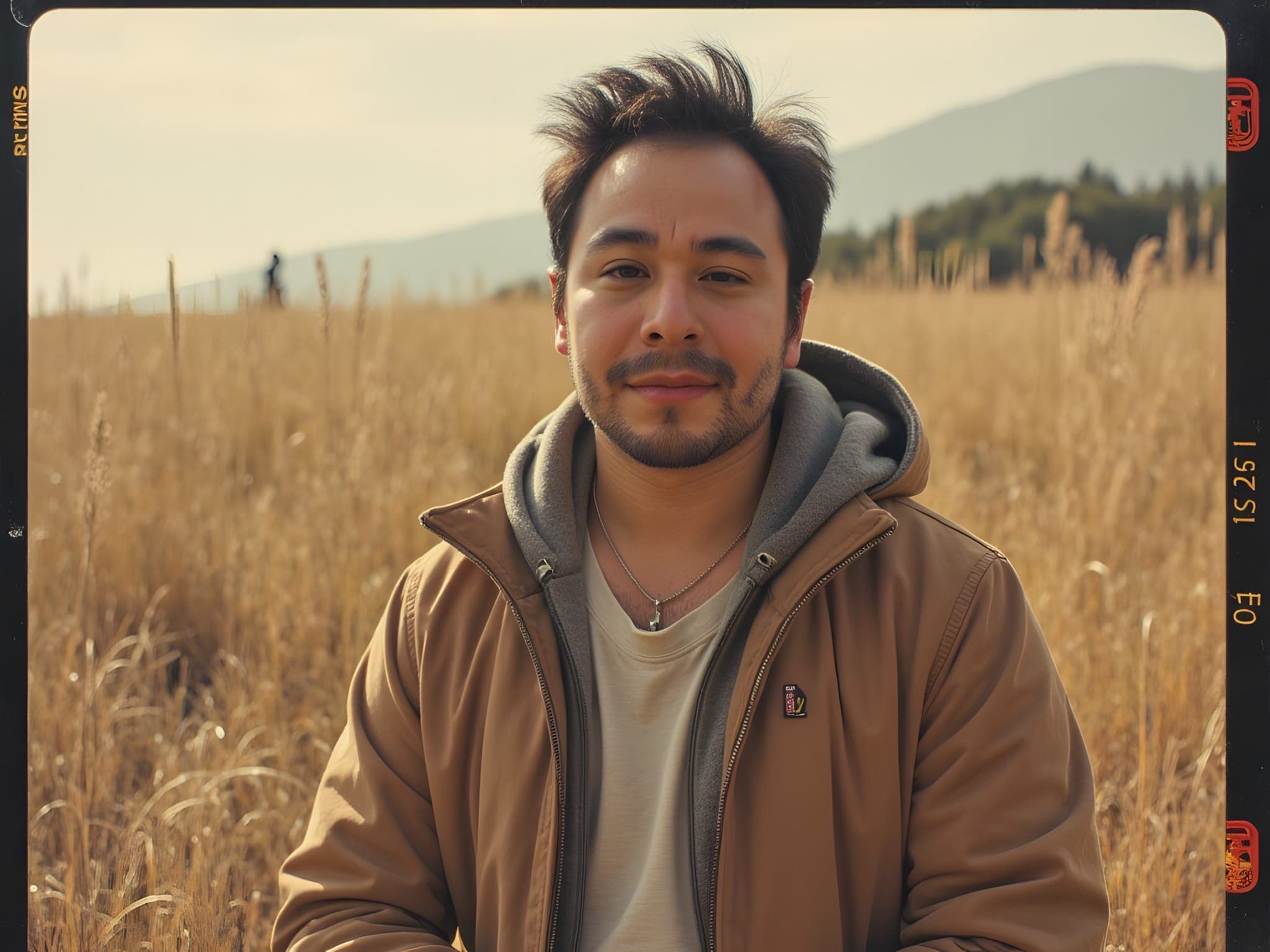
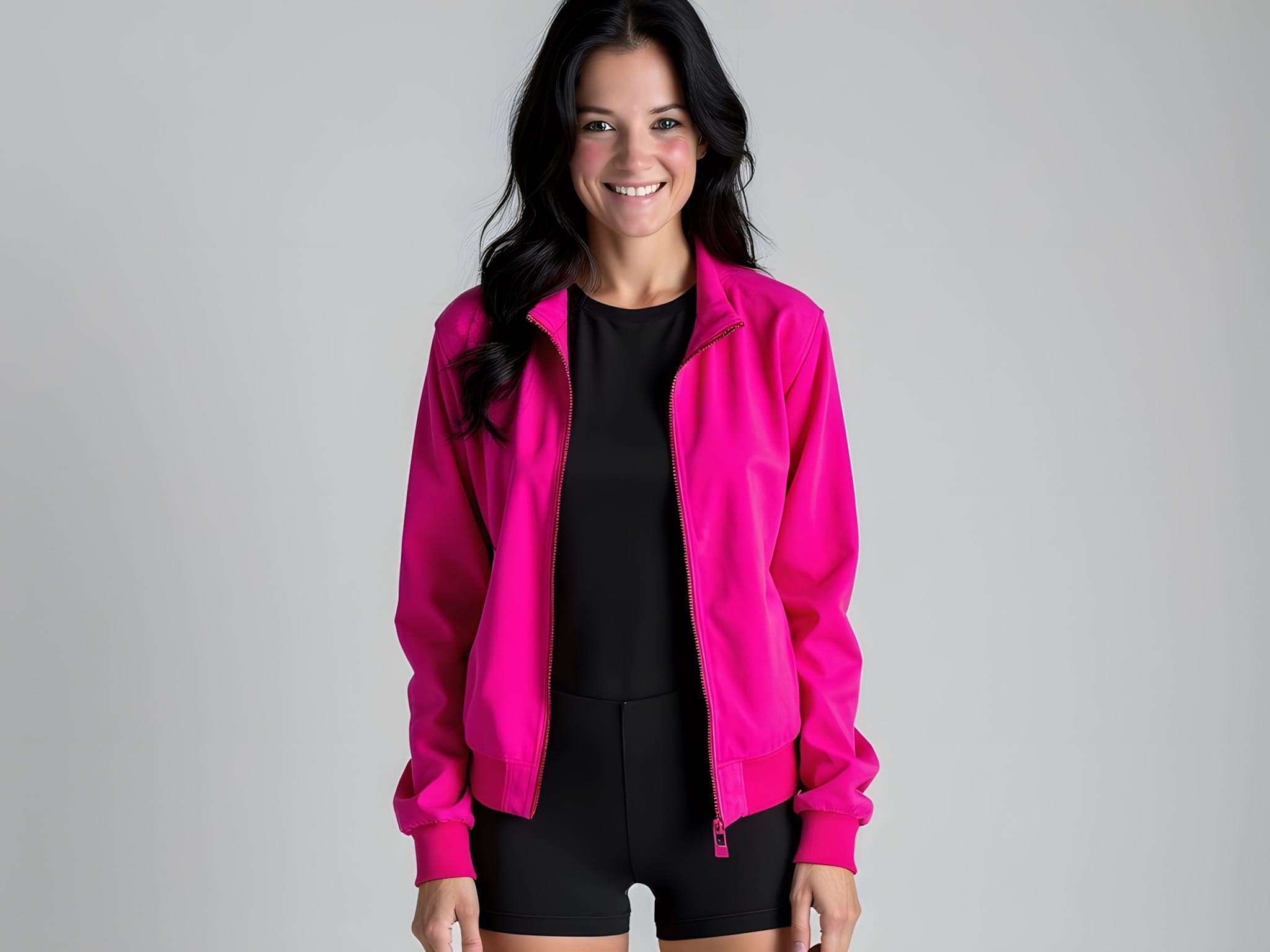
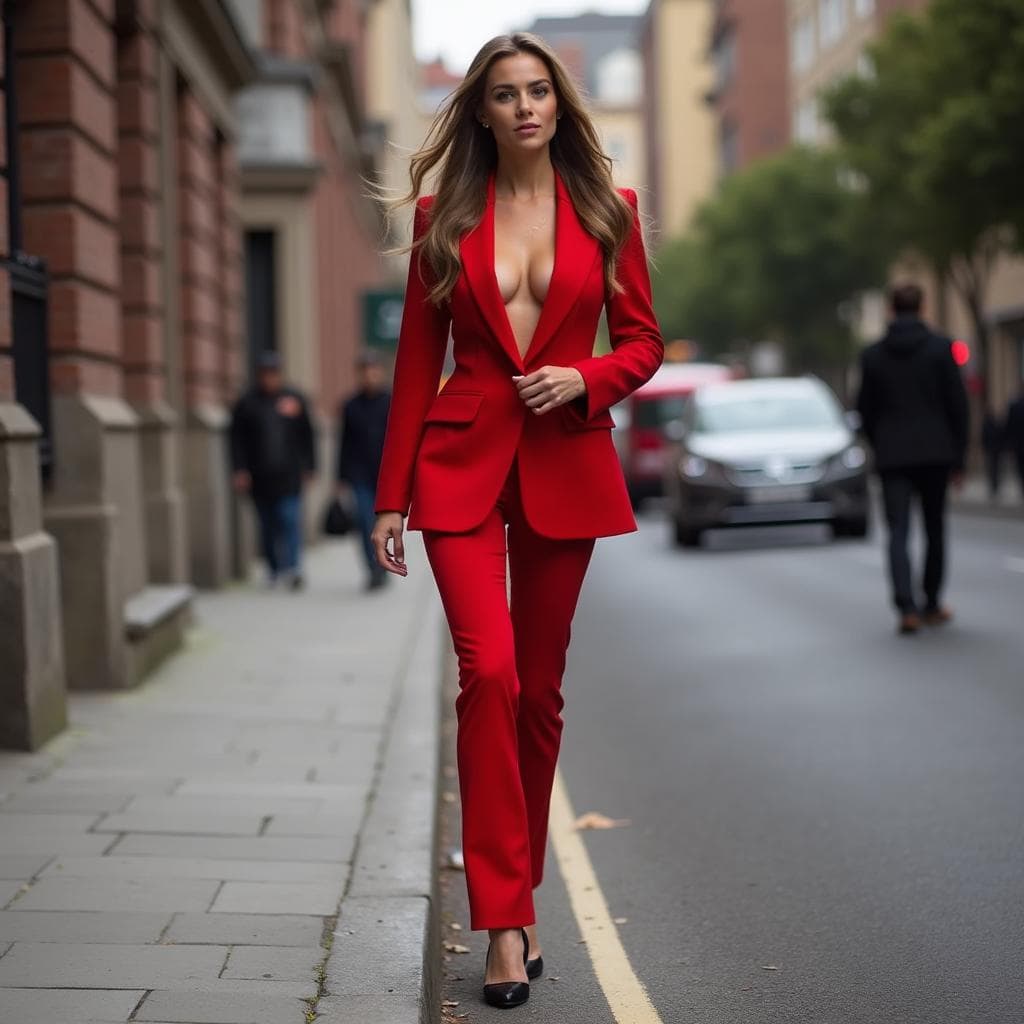
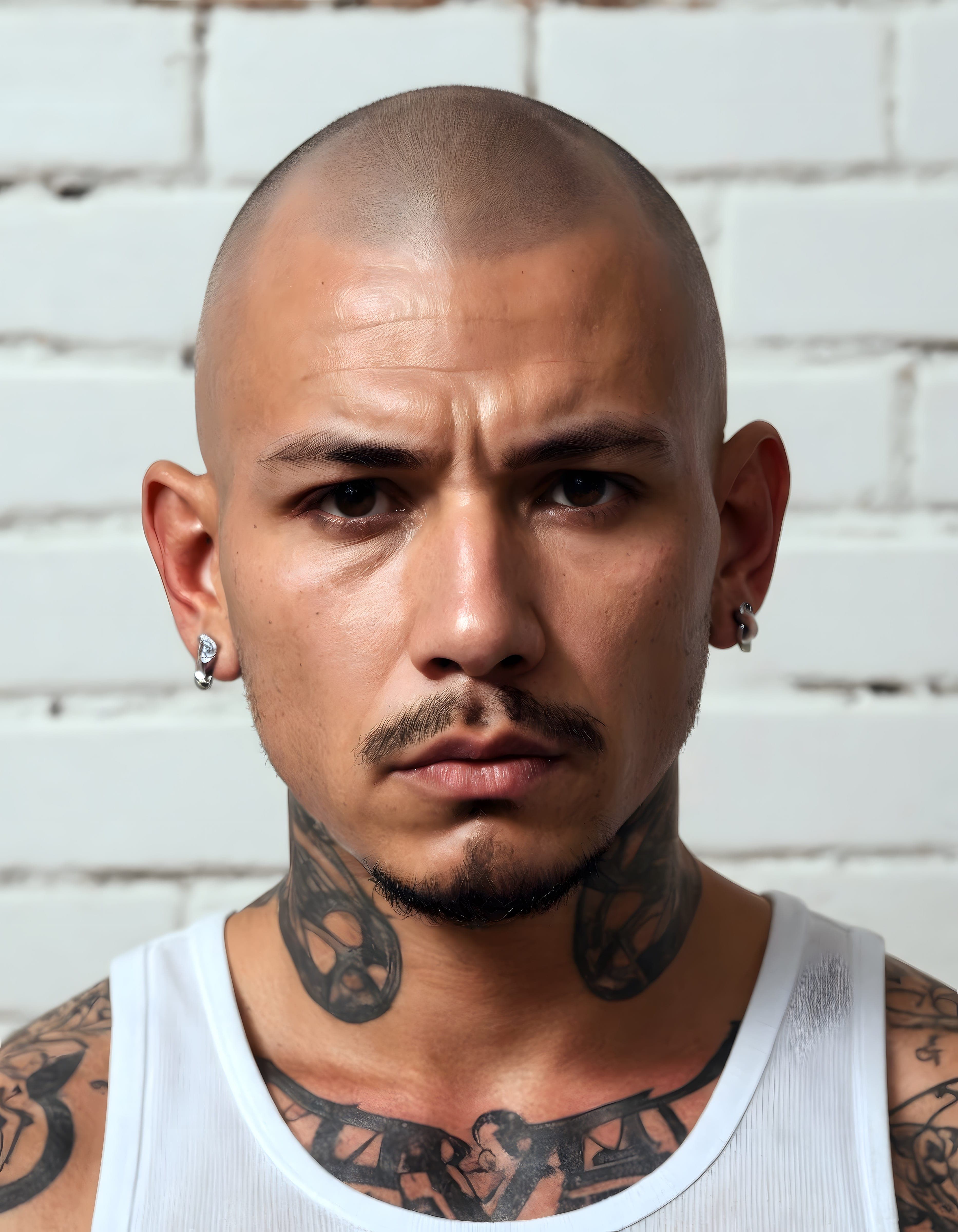


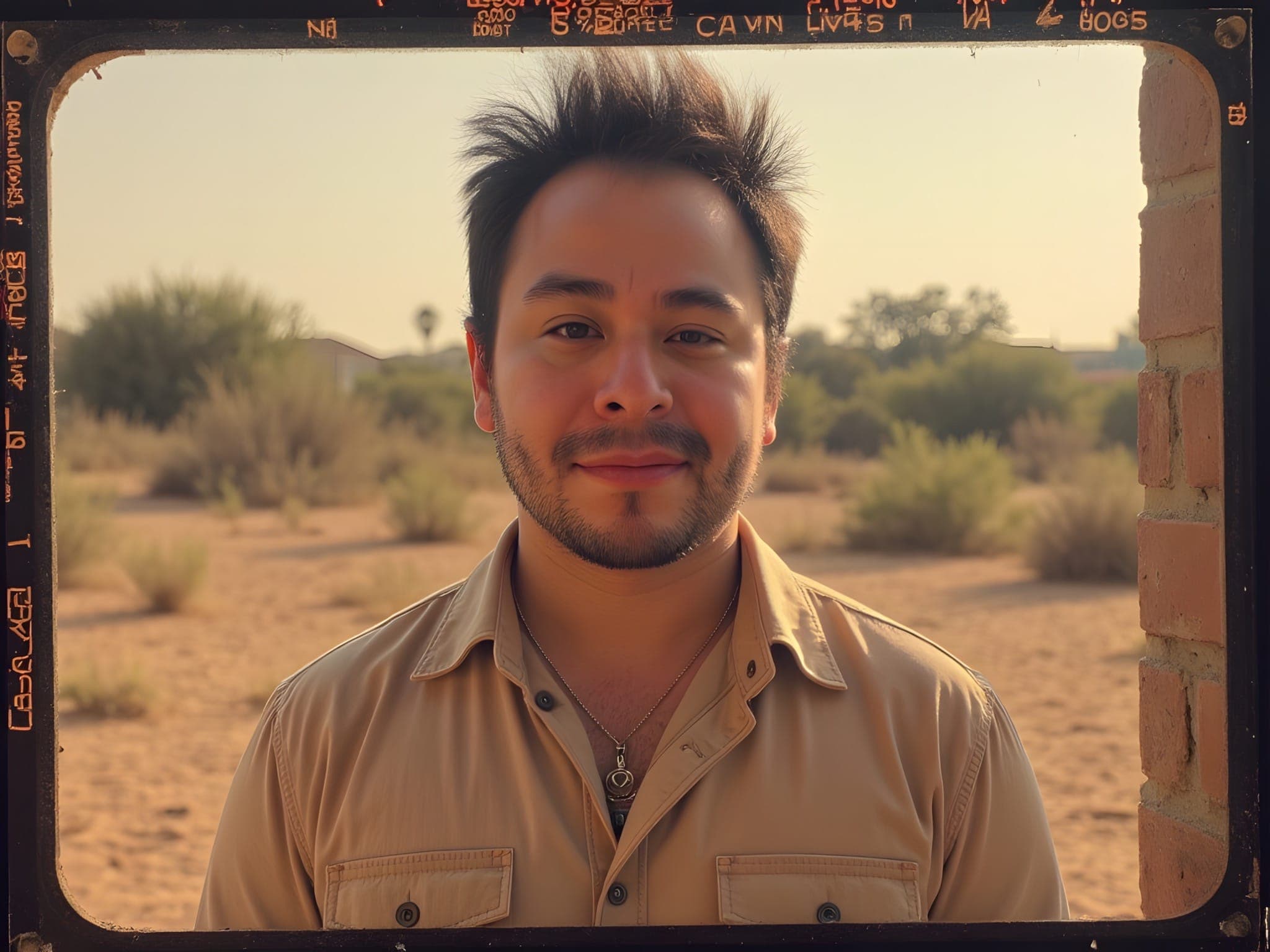
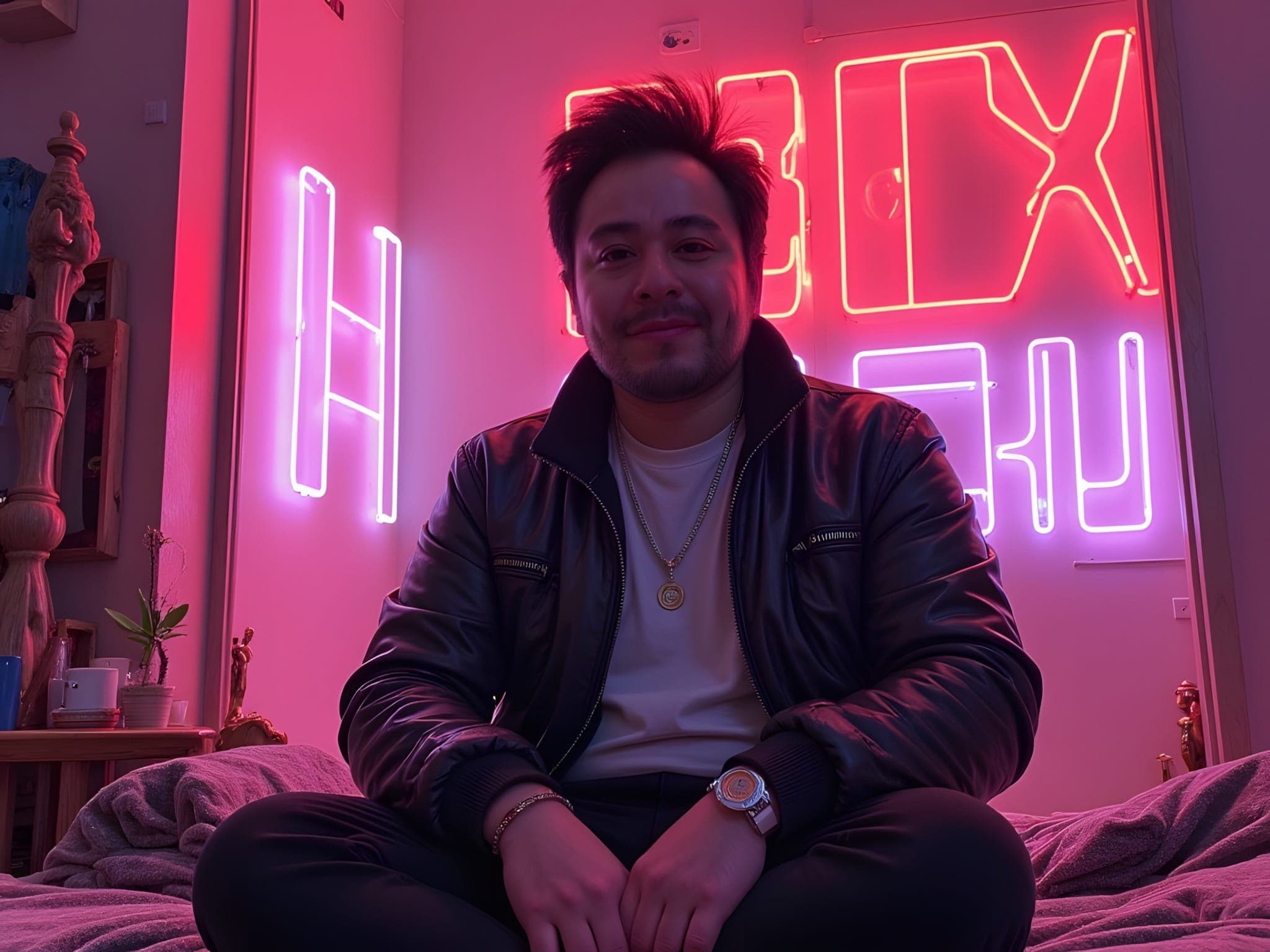
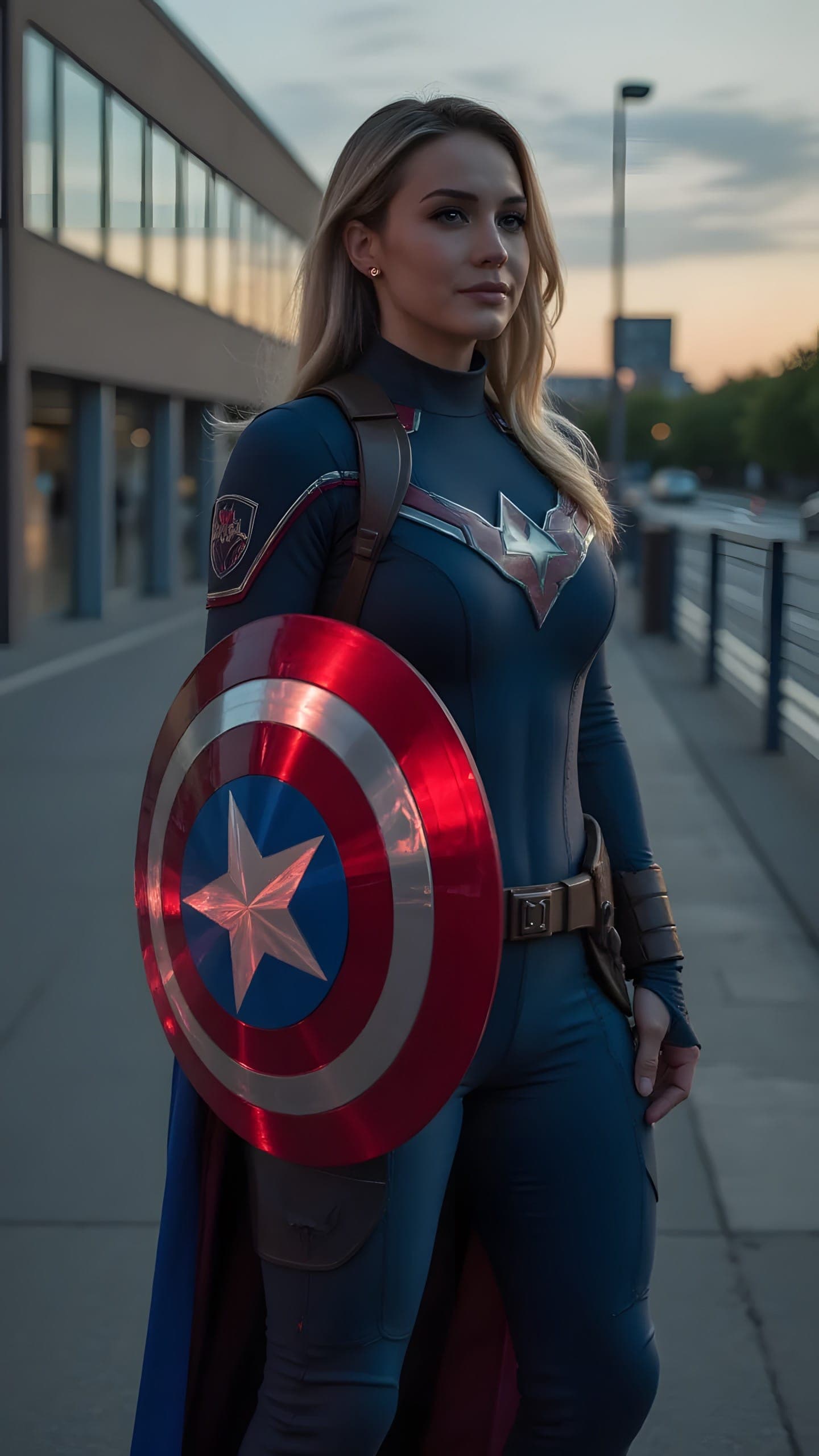
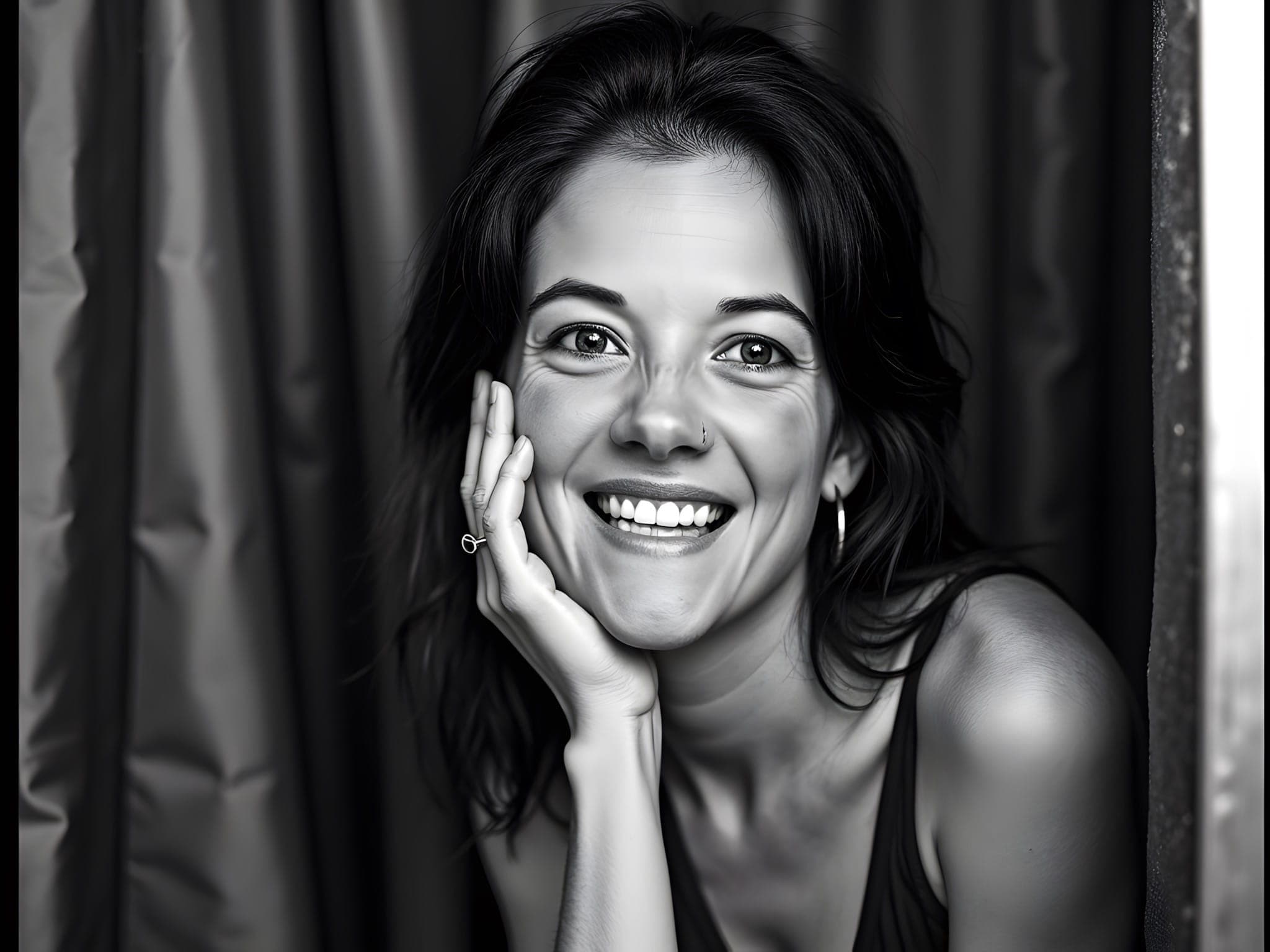
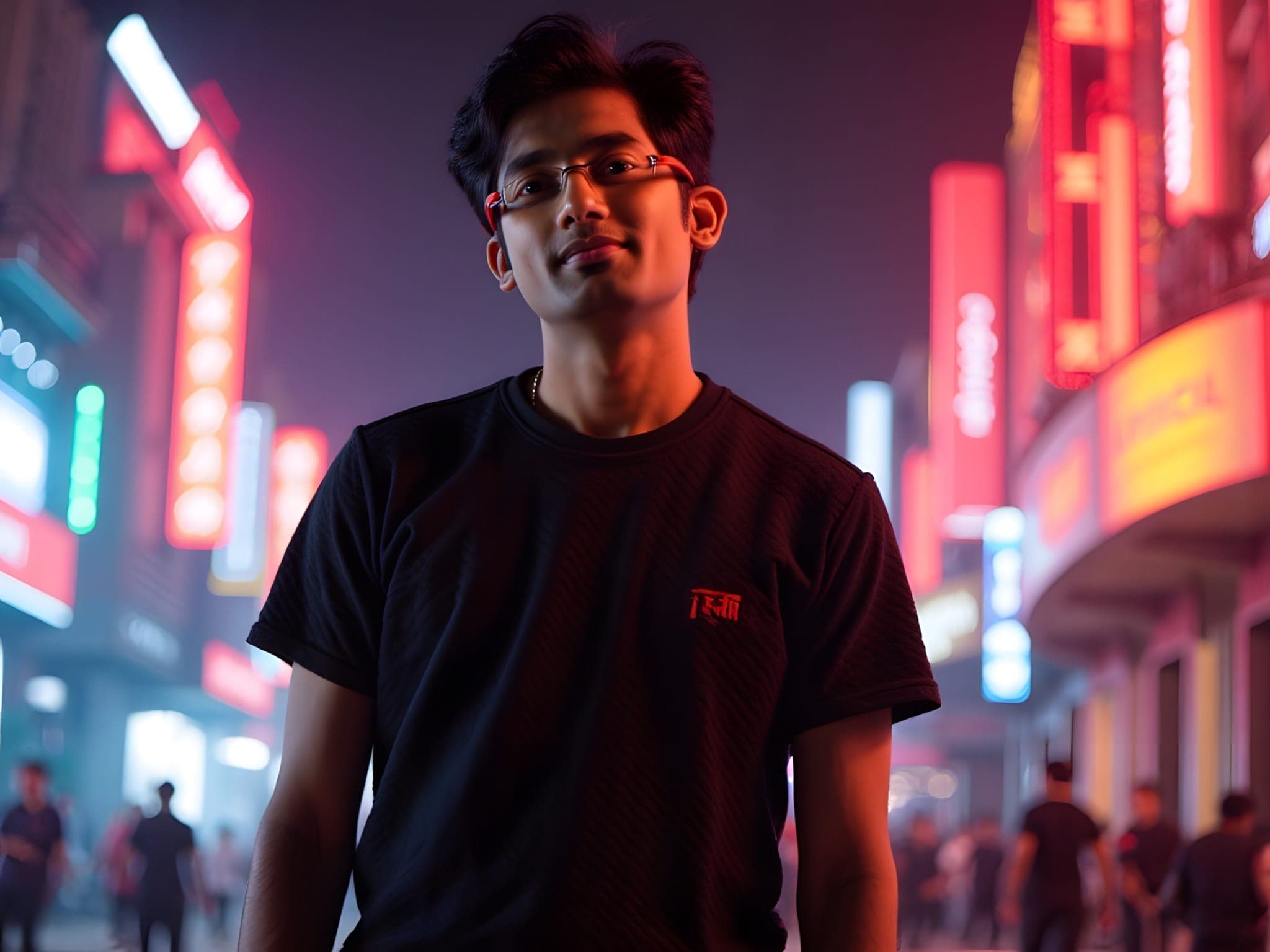
Now is the time to build your personal AI photo library.
With AI Photo Photo, you can start creating stunning, custom AI images of yourself for every occasion. Whether it’s a cozy Christmas setting, a radiant New Year’s celebration, or a romantic Valentine’s shoot, it’s never too late to capture your perfect look.
Create unlimited custom portraits
From everyday headshots to festive holiday scenes—Christmas, New Year’s, or Valentine’s Day—we turn your photos into stunning AI art.
Explore seasonal templates
Choose from a wide range of themed templates that update year-round, ensuring every occasion is beautifully captured.
Real-time style updates
Stay in the loop and get instant notifications as new filters and holiday backgrounds become available.
Share with your network
Invite friends to unlock exclusive backgrounds sooner—score early access to limited-edition New Year’s or Valentine’s themes.
Advanced privacy settings
All your personal images and AI-generated portraits remain secure and private, giving you full control over who sees them.
Track your transformations
Monitor how your style evolves over time as you experiment with different looks, from cozy Christmas shoots to vibrant festival scenes.
Customers love AI Photo Photo.
Give it a try and see for yourself.
⭐️⭐️⭐️⭐️⭐️Incredible for photographers
AI Photo Photo is just fantastic! I take amazing photos of myself and the products I sell on Shopify. It’s so easy to use and I love the variety of ones. As a photographer, I use it to test ideas before creating a real photoshoot. I strongly recommend it!
⭐️⭐️⭐️⭐️⭐️Perfect for photos.
I love how easy it is to create professional-looking portraits of my myself. It’s like having a personal photographer at home!
⭐️⭐️⭐️⭐️⭐️Makes selfies stunning!
I used AI Photo Photo to enhance my selfies, and they look so good now! Everyone keeps asking how I took such professional photos.
⭐️⭐️⭐️⭐️⭐️Surprisingly accurate!
At first, I was skeptical, but AI Photo Photo created portraits that looked just like me. The accuracy is mind-blowing.
⭐️⭐️⭐️⭐️⭐️Fun and easy to use!
AI Photo Photo is super fun and easy to use. I made portraits in styles I never thought possible. It’s addictive!
⭐️⭐️⭐️⭐️⭐️A must-have for creators.
If you’re into content creation or social media, this app is a game changer. My followers love the photos I create with it!
Plans and Pricing
Starter
$10 per month
Great for exploring AI images and videos, for personal use only.
- 50 Credits
- Take 50 AI photos (1 credit each) or 2 AI UGC videos (25 credits each)
- Create 1 AI Model per month
- Flux™ 1.1 photorealistic model
- Low quality photos
- Low resemblance
- Take 4 photos in parallel
- Use any photo pack
- Slow processing
- For personal use only
- No free auto-generated photos
Pro
$27 per month
Full, commercial ownership of images and videos
- 500 Credits
- Take 500 AI photos (1 credit each) or 20 AI UGC videos (25 credits each)
- Create 2 AI Models per month
- Flux™ 1.1 photorealistic model
- Medium quality photos
- High resemblance
- Commercial use license
- Take up to 4 photos in parallel
- 8x free profile pics
- 8x free professional headshots
- 8x free dating app photos
- 8x free outfit ideas
- 8x free social media posts
Premium
$69 per month
Full, commercial ownership of images and videos
- 1,500 Credits
- Take 1,500 AI photos (1 credit each) or 60 AI UGC videos (25 credits each)
- Create 5 AI Models per month
- Flux™ 1.1 photorealistic model
- High quality photos
- High resemblance
- Commercial use license
- Take up to 4 photos in parallel
- Use the magic upscaler
- Try on clothes (for Shopify)
- Access to the community chat
- Early access to new features
- 8x free profile pics
- 8x free professional headshots
- 8x free dating app photos
- 8x free outfit ideas
- 8x free social media posts
Ultra
$139 per month
Ultra plan for creators who require the highest quality, exclusive features, and full commercial rights to all generated images and videos.
- 3,000 Credits
- Take 3,000 AI photos (1 credit each) or 120 AI UGC videos (25 credits each)
- Create 10 AI Models per month
- Flux™ 1.1 photorealistic model
- Ultra-high quality photos
- Ultra-high resemblance
- Commercial use license
- Take up to 4 photos in parallel
- Use the magic upscaler
- Try on clothes (for Shopify)
- Access to the community chat
- Early access to new features
- Unlimited photo storage
- Priority: faster response times
- Coming soon: Create talking videos
- 8x free profile pics
- 8x free professional headshots
- 8x free dating app photos
- 8x free outfit ideas
- 8x free social media posts
Frequently asked questions
If you have anything else you want to ask, reach out to us.
How does AI Photo Photo work?
Simply upload a photo of yourself, choose a seasonal or themed template, and our AI will transform it into a custom masterpiece. It’s as easy as taking a selfie!
What kind of occasions can I create photos for?
We offer templates for all major holidays and special events—Christmas, New Year’s, Valentine’s Day, birthdays, and more. We’re constantly adding new themes!
Can I really customize my AI portraits?
Absolutely! From selecting different backgrounds, outfits, and moods to applying unique filters, you have total creative control over your AI-generated images.
Is my data and personal images secure?
Your privacy is our priority. All images are encrypted and stored securely. We never share your personal photos without your explicit consent.
Are the seasonal templates updated regularly?
Yes! We frequently update our library to reflect current trends and upcoming holidays. Check back often to find new and exciting scenes to customize.
Do I need a high-quality photo for best results?
While better-quality selfies produce more detailed AI portraits, our technology can work with most standard images. Just ensure your face is clearly visible!
Is there a limit to how many portraits I can create?
With our free plan, you can create a limited number of AI images per month. For unlimited creations, consider upgrading to our Premium plan.
How fast do I get my AI-generated image?
In most cases, your new photo is ready within seconds. Complex seasonal scenes may take a bit longer, but we aim to keep the wait time minimal.
How do I reach out if I have more questions?
If you have anything else you want to ask, feel free to reach out to us. We’re here to help you get the most out of your AI Photo Photo experience.
Can I get a refund?
You may request a refund only if you have not created a model and have generated fewer than 20 photos in total. If you meet these criteria, please email [email protected] to request your refund. Please note: Once you create a model or generate more than 25 photos, we can’t provide refunds because generative AI costs are extremely high, and our upstream providers don’t allow refunds on the GPU time used. You can cancel your subscription at any time—your plan won’t renew, and you won’t be charged again.
.
Imagine stepping into a time machine, where the vibrant colors and unique aesthetics of the 1970s come alive in your photos. The 70s AI Filter does just that, transforming your modern images into nostalgic snapshots reminiscent of a bygone era. But why would you want to add a touch of the 70s to your digital memories? Let’s explore the charm of this filter and how you can effortlessly incorporate it into your photography.
Why Use a 1970 Filter?
Have you ever looked at an old photograph and felt a wave of nostalgia wash over you? The 1970s were a time of bold colors, unique patterns, and a certain warmth that many of us long for in our digital age. Using a 1970 filter can evoke those feelings, making your images not just pictures, but stories filled with emotion and history.
Here are a few reasons why you might consider using a 1970 filter:
- Nostalgia: The 70s were marked by a distinct cultural shift, from music to fashion. A filter that mimics this era can transport you back to those carefree days, reminding you of the music of Fleetwood Mac or the iconic style of bell-bottoms.
- Artistic Expression: The filter adds a layer of creativity to your photos. It can soften harsh lines, enhance colors, and create a dreamy quality that makes your images stand out on social media.
- Connection: In a world where everything feels polished and perfect, a 1970 filter can create a sense of authenticity. It invites viewers to connect with your images on a deeper level, as they resonate with the imperfections and warmth of the past.
According to a study by the Journal of Visual Culture, images that evoke nostalgia can enhance emotional responses and increase engagement. So, when you apply a 1970 filter, you’re not just altering the aesthetics; you’re tapping into a powerful emotional connection.
How To Use a 1970 Filter?
Now that you’re excited about the possibilities, let’s dive into how you can use a 1970 filter to transform your photos. Whether you’re a seasoned photographer or just someone who loves snapping pictures on your phone, applying this filter is easier than you might think.
Here’s a simple step-by-step guide:
- Choose Your Photo: Start with a photo that you feel has potential. It could be a candid shot of friends laughing, a serene landscape, or even a simple still life. The key is to select an image that tells a story.
- Select Your Filter: Many photo editing apps, like VSCO or Snapseed, offer a variety of filters, including those inspired by the 70s. Look for options that enhance warmth, add grain, and soften colors.
- Adjust Settings: Don’t be afraid to play around! Adjust the intensity of the filter to suit your taste. Sometimes, a subtle touch can make all the difference, while other times, you might want to go bold.
- Fine-Tune Your Image: After applying the filter, consider making additional adjustments. Play with brightness, contrast, and saturation to achieve the perfect vintage look.
- Share Your Creation: Once you’re satisfied with your masterpiece, share it! Whether it’s on Instagram, Facebook, or a personal blog, let your friends and family experience the magic of the 70s through your lens.
As you experiment with the 1970 filter, remember that the goal is to have fun and express yourself. Each photo is a canvas, and this filter is just one of the many tools you can use to create something beautiful and meaningful.
So, are you ready to take a step back in time and let your creativity flow? The 70s are waiting for you!
How to Get Good Results With the 1970 Filter?
Have you ever looked at a photo and felt instantly transported to another time? The 1970 filter does just that, evoking a sense of nostalgia and warmth that can transform even the most mundane images into something special. But how do you ensure that your photos shine when using this filter? Let’s dive into some tips and tricks that can help you achieve stunning results.
First, consider the lighting of your photo. The 1970 filter thrives in natural light, so try to capture your images during the golden hour—just after sunrise or before sunset. This soft, diffused light enhances the filter's vintage vibe, giving your photos that dreamy quality reminiscent of classic 70s photography.
Next, think about your subject matter. The 1970 filter works beautifully with landscapes, portraits, and candid moments. For instance, a sun-drenched field or a group of friends laughing together can take on a magical quality when paired with this filter. Remember, the goal is to evoke emotion and tell a story through your images.
Lastly, don’t be afraid to experiment! Adjust the intensity of the filter to find the perfect balance. Sometimes, a subtle touch can make all the difference, allowing the natural beauty of your photo to shine through while still capturing that nostalgic essence.
How to Do The 70s AI Filter
So, you’re ready to dive into the world of the 70s AI filter? Great choice! This filter not only enhances your photos but also adds a layer of creativity that can make your social media feed pop. Let’s break down the steps to get you started.
First, you’ll need to choose a photo editing app that offers the 70s AI filter. Popular options include Instagram, VSCO, and Snapseed. Once you’ve selected your app, upload the photo you want to edit. It could be a cherished family moment or a stunning landscape you captured during your travels.
After uploading, locate the filter options. In most apps, you’ll find the 70s filter under a category labeled “vintage” or “retro.” Apply the filter and take a moment to admire the transformation. You might notice that the colors become warmer, shadows deepen, and highlights soften, creating that iconic 70s look.
Next, consider adjusting additional settings like brightness, contrast, and saturation. Sometimes, a little tweak can elevate your photo from good to breathtaking. For example, increasing the contrast can help your subject stand out more against the warm tones of the filter.
Finally, save your masterpiece and share it with the world! Whether you post it on social media or print it out for your home, you’ll have a beautiful piece of art that captures the essence of the 70s.
How to apply the 70s AI filter to photos?
Applying the 70s AI filter to your photos is a straightforward process, but there are a few nuances that can help you achieve the best results. Let’s walk through the steps together.
1. Select Your Photo: Start by choosing a photo that resonates with you. It could be a candid shot of your friends at a picnic or a serene landscape. The more personal the image, the more impactful the final result will be.
2. Open Your Editing App: Launch your chosen photo editing app. If you’re using Instagram, simply upload your photo to your story or feed. For apps like VSCO or Snapseed, navigate to the editing section.
3. Find the 70s Filter: Look for the filter options. In Instagram, swipe through the filters until you find the one that captures the 70s essence. In VSCO, you might need to scroll through the presets to find the perfect match.
4. Adjust the Filter Strength: Once applied, you can often adjust the strength of the filter. This is where the magic happens! A lighter touch can keep the photo looking natural while still giving it that vintage flair.
5. Fine-Tune Your Image: After applying the filter, take a moment to adjust other settings like exposure, shadows, and highlights. This step is crucial for making your photo pop. For instance, increasing the shadows can add depth, while adjusting the exposure can brighten your image.
6. Save and Share: Once you’re satisfied with your edits, save your photo. Now, it’s time to share your creation! Whether you post it online or keep it for yourself, you’ll have a beautiful piece that captures the spirit of the 70s.
By following these steps, you’ll not only master the 70s AI filter but also create images that resonate with warmth and nostalgia. So grab your camera, get creative, and let the magic of the 70s inspire you!
AI Retro Filter Collection for Images
Have you ever scrolled through your social media feed and stumbled upon a photo that instantly transported you back to the groovy 1970s? The vibrant colors, the soft focus, and that unmistakable vintage vibe can evoke a sense of nostalgia that’s hard to resist. This is where the magic of AI retro filters comes into play, allowing you to recreate that iconic aesthetic with just a few taps on your device.
AI retro filters are designed to mimic the look and feel of photographs taken during the 70s, often characterized by warm tones, grainy textures, and a certain dreamy quality. But what exactly makes these filters so appealing? Let’s dive into the world of AI retro filters and explore how they can transform your images into timeless pieces of art.
One of the most fascinating aspects of these filters is their ability to evoke memories and emotions. Think about it: when you see a photo that resembles an old family album or a classic movie still, it can spark a flood of memories. This emotional connection is what makes the 70s AI filter so popular among users looking to add a personal touch to their photos.
But how do these filters work? At their core, AI retro filters utilize advanced algorithms to analyze and replicate the characteristics of vintage photography. They can adjust color saturation, contrast, and even add grain to create that authentic retro look. For instance, a study by the Journal of Visual Communication found that images with a vintage aesthetic are often perceived as more appealing and trustworthy, which explains why so many people are drawn to this style.
Now, let’s talk about some of the best apps available that offer these delightful filters. Here are a few that stand out:
- VSCO: Known for its extensive collection of filters, VSCO offers several options that can help you achieve that 70s vibe. With just a few adjustments, you can create stunning images that feel like they belong in a retro magazine.
- Snapseed: This powerful editing app includes a range of tools, including vintage filters that can give your photos a nostalgic touch. The user-friendly interface makes it easy to experiment with different looks.
- Instagram: Don’t overlook the built-in filters on Instagram! With options like “Lark” and “Juno,” you can easily add a retro flair to your images before sharing them with your followers.
- RetroCam: Specifically designed for retro photography, RetroCam offers a variety of filters that replicate the look of classic cameras from the 70s. It’s a fun way to explore different styles and find the perfect filter for your photos.
As you explore these apps, remember that the key to achieving the perfect 70s look lies in experimentation. Don’t be afraid to play around with different filters and settings until you find the combination that resonates with you. After all, photography is an art form, and your unique perspective is what makes your images truly special.
What are the best apps to achieve the 70s AI filter effect?
When it comes to capturing that quintessential 70s aesthetic, the right app can make all the difference. You might be wondering, “Which apps can help me achieve that dreamy, vintage look?” Let’s explore some of the top contenders that can help you channel your inner retro photographer.
First up is Adobe Lightroom. While it’s known for its professional-grade editing capabilities, Lightroom also offers a range of presets that can help you achieve that nostalgic feel. With just a few clicks, you can enhance the warmth and softness of your images, reminiscent of the film photography from the 70s.
Another fantastic option is Afterlight. This app is packed with filters and textures that can give your photos that vintage edge. You can even layer multiple filters to create a unique look that reflects your personal style. Plus, the intuitive interface makes it easy to navigate, even for beginners.
If you’re looking for something a bit more playful, Huji Cam is a must-try. This app mimics the look of disposable cameras from the 90s, but it also has filters that evoke the 70s vibe. The light leaks and color shifts can add an authentic touch to your images, making them feel like cherished memories.
Lastly, Fotor is another great choice. With its user-friendly design and a variety of retro filters, Fotor allows you to easily transform your photos into stunning works of art. You can adjust the intensity of the filters to find the perfect balance for your images.
As you explore these apps, keep in mind that the best results often come from a combination of filters and manual adjustments. Don’t hesitate to experiment and find what works best for your unique vision. After all, the beauty of photography lies in its ability to capture moments and emotions, and with the right tools, you can create images that truly resonate.
How to edit videos with the 70s AI filter?
Have you ever watched a video that felt like a time capsule, transporting you straight to the 1970s? The warm hues, the grainy texture, and the overall vibe can make you feel like you’re part of a different era. If you’re curious about how to achieve this effect in your own videos, you’re in the right place! Let’s explore how to edit videos with the 70s AI filter and bring that retro magic to life.
First, it’s essential to choose the right video editing software. Programs like Adobe Premiere Pro and Final Cut Pro offer advanced features that allow you to apply filters and effects to your videos. However, if you’re looking for something more user-friendly, apps like InShot and FilmoraGo can be excellent alternatives.
Once you’ve selected your editing tool, the first step is to import your video. After that, look for the filter or effects section within the app. Many editing programs come with built-in retro filters that can instantly give your footage that 70s feel. For instance, you might find options labeled “Vintage,” “Retro,” or “Film Grain.”
As you apply the filter, consider adjusting the intensity to achieve the desired look. Sometimes, a subtle touch can make all the difference. You might also want to play around with color grading to enhance the warm tones typical of 70s videos. Think about adding a slight yellow or orange tint to mimic the look of old film.
Another fun technique is to incorporate grain and noise into your video. This can be done through the effects panel in your editing software. Adding a bit of grain can create that authentic vintage feel, making your video look like it was shot on an old camera.
Don’t forget about sound! The right soundtrack can elevate your video and enhance the nostalgic vibe. Consider using music from the 70s or tracks that evoke that era to create a cohesive experience for your viewers.
Finally, once you’re satisfied with your edits, export your video and share it with the world! Whether it’s for social media or a personal project, your retro-inspired video is sure to capture the hearts of those who watch it. Remember, the goal is to have fun and let your creativity shine through as you explore the enchanting world of 70s-inspired video editing.
How to Use an AI Photo Retro Filter
Have you ever looked at an old photograph and felt a wave of nostalgia wash over you? The faded colors, the grainy texture, and the unique vibe of the 70s can transport us back in time. With the advent of AI technology, you can now recreate that retro magic in your own photos with just a few clicks. But how do you actually use an AI photo retro filter? Let’s dive into the process together.
First, you’ll want to choose an AI photo editing app or software that offers retro filters. Popular options include Prisma, VSCO, and Adobe Photoshop. Each of these platforms has its own unique set of filters that can mimic the aesthetic of the 70s, from vibrant colors to soft focus effects.
Once you’ve selected your tool, the process is typically straightforward:
- Upload Your Photo: Start by uploading the image you want to transform. This could be a recent snapshot or an old family photo that you want to breathe new life into.
- Select the Filter: Browse through the available filters and look for those labeled as “retro” or “vintage.” Many apps will even have a dedicated section for 70s styles.
- Adjust Settings: Most AI filters allow you to tweak the intensity of the effect. Play around with the settings until you find a look that resonates with you. You might want to enhance the grain or adjust the color saturation to get that perfect retro feel.
- Save and Share: Once you’re satisfied with your creation, save it to your device. Don’t forget to share it with friends and family—after all, who doesn’t love a good throwback?
Using AI photo retro filters is not just about applying a preset; it’s about capturing a feeling, a moment in time. So, as you experiment, think about the stories your photos tell and how these filters can enhance that narrative.
Add 70s Retro Disco Magic to Photos with AI Filters
Imagine stepping into a vibrant disco club, the air filled with the sound of funky beats and the glow of colorful lights. The 70s were a time of bold fashion, lively music, and unforgettable moments. With AI filters, you can infuse that same energy into your photos, making them pop with retro disco magic.
To achieve this, consider filters that emphasize bright colors, high contrast, and playful textures. For instance, the “Disco Ball” filter in some apps can add a shimmering effect that mimics the iconic disco balls of the era. You might also look for filters that enhance warm tones, giving your images that sun-kissed, nostalgic glow.
Here’s how you can add that disco flair:
- Choose the Right Photo: Start with a photo that has a lively subject or setting. Group shots at a party or candid moments with friends work wonderfully.
- Apply a Colorful Filter: Look for filters that boost saturation and contrast. Filters that add a slight vignette can also help focus attention on the center of the image, reminiscent of disco lights.
- Incorporate Textures: Some apps allow you to add textures like film grain or light leaks, which can enhance the retro feel. These small details can make a big difference in achieving that authentic 70s vibe.
- Experiment with Overlays: Consider adding overlays like sparkles or lens flares to mimic the dazzling lights of a disco. This can elevate your photo from simply retro to truly magical.
As you play with these filters, think about how they can transform not just the look of your photos, but also the stories they tell. Each image can become a vibrant snapshot of joy, laughter, and the carefree spirit of the 70s.
How do I add a retro filter to a photo?
Adding a retro filter to a photo is easier than you might think! Here’s a step-by-step guide to help you navigate the process:
- Download an App: Start by downloading a photo editing app that offers retro filters. Some popular choices include Snapseed, PicsArt, and Fotor.
- Open Your Photo: Launch the app and select the photo you want to edit. This could be a cherished memory or a spontaneous shot you took recently.
- Select the Filter: Navigate to the filters section and look for options labeled “vintage,” “retro,” or “70s.” Each app will have its own unique offerings, so take your time to explore.
- Fine-Tune Your Image: After applying the filter, adjust the intensity to your liking. You might want to play with brightness, contrast, and saturation to get the perfect look.
- Save and Share: Once you’re happy with your retro masterpiece, save it to your device. Share it on social media or print it out to hang on your wall—let those memories shine!
Remember, the goal is to have fun and express yourself. Each filter can evoke different emotions and memories, so don’t hesitate to experiment until you find the perfect retro vibe that resonates with you.
Is there an AI that can make a retro 70s photo?
If you’ve ever scrolled through your social media feed and stumbled upon a photo that instantly transports you back to the groovy 1970s, you might be wondering: is there an AI that can create such nostalgic images? The answer is a resounding yes! With advancements in artificial intelligence, we now have tools that can emulate the distinct aesthetic of the 70s, characterized by warm tones, soft focus, and that unmistakable film grain.
Imagine a world where you can take a modern photo and, with just a few clicks, transform it into a snapshot that looks like it was pulled straight from your parents' photo album. AI algorithms analyze thousands of images from the 70s, learning the nuances of color palettes, lighting, and textures that defined that era. For instance, platforms like DeepArt and Prisma utilize neural networks to apply artistic styles to your photos, allowing you to recreate that vintage vibe effortlessly.
Moreover, researchers at institutions like MIT have been exploring how AI can not only replicate styles but also understand the cultural context behind them. This means that the AI doesn’t just slap a filter on your photo; it considers the essence of the 70s, from the fashion to the music, making your images feel authentic. So, whether you’re looking to relive the disco days or simply want to add a touch of retro flair to your digital collection, AI has got you covered!
How to get the 70s AI filter on TikTok
Are you ready to take your TikTok game to the next level with a 70s twist? Getting the 70s AI filter on TikTok is easier than you might think! TikTok has become a hub for creative expression, and the introduction of various filters has made it even more exciting. The 70s filter, in particular, has gained popularity for its ability to add a nostalgic touch to your videos.
To access this filter, follow these simple steps:
- Open TikTok: Launch the app on your device.
- Tap on the '+' icon: This is where you create a new video.
- Access Effects: Look for the 'Effects' button on the left side of the screen.
- Search for the 70s filter: You can either scroll through the effects or use the search bar to find the 70s filter specifically.
- Select and Apply: Once you find it, tap on the filter to apply it to your video.
And just like that, you’re ready to create content that feels like a blast from the past! Whether you’re dancing to classic tunes or showcasing your retro-inspired outfits, this filter will add a unique charm to your videos.
How to use the 70s AI filter on TikTok
Now that you’ve got the 70s AI filter on TikTok, how do you make the most of it? Using this filter is not just about applying it; it’s about embracing the spirit of the 70s in your content. Here are some tips to help you shine:
- Choose the Right Music: The 70s were all about iconic music. Consider using tracks from artists like ABBA or Bee Gees to set the mood for your video.
- Dress the Part: Channel your inner disco diva or rock star! Think bell-bottoms, tie-dye, and oversized sunglasses. Your outfit can enhance the retro vibe.
- Experiment with Angles: The 70s aesthetic often featured unique camera angles. Try shooting from different perspectives to add depth to your video.
- Engage with Trends: Participate in TikTok challenges that align with the 70s theme. This not only boosts your visibility but also connects you with others who share your love for retro vibes.
As you create, remember that the goal is to have fun and express yourself. The 70s AI filter is a tool to help you tell your story, so let your creativity flow! With each video, you’re not just sharing content; you’re inviting your audience to join you on a nostalgic journey that celebrates a vibrant era.
What are the best video filters for creating a 70s AI effect?
Imagine stepping back in time to the vibrant, eclectic world of the 1970s, where every frame of film seemed to pulse with life and color. The 70s AI effect captures this essence beautifully, transforming your videos into nostalgic masterpieces. But what are the best filters to achieve this look? Let’s explore some standout options that can help you channel that retro vibe.
One of the most popular filters is the Film Grain effect. This filter adds a layer of texture reminiscent of old film stock, giving your video that authentic vintage feel. Think of it as the digital equivalent of dusting off an old vinyl record—there’s something about those imperfections that makes it all the more charming.
Another essential filter is the Color Grading tool, which allows you to manipulate hues to mimic the warm, saturated colors typical of 70s cinematography. You might want to lean towards earthy tones like burnt oranges, deep browns, and muted yellows. This color palette not only evokes nostalgia but also enhances the emotional depth of your footage.
Don’t forget about the Vignette effect! This subtle darkening around the edges of your video draws the viewer’s eye to the center, creating a cozy, intimate atmosphere. It’s like wrapping your footage in a warm blanket, inviting your audience to settle in and enjoy the show.
Lastly, consider using a Light Leak filter. These playful bursts of color and light mimic the accidental exposures of old film cameras, adding a whimsical touch to your videos. It’s a delightful way to infuse spontaneity and creativity into your work, reminiscent of carefree days spent at summer festivals.
Incorporating these filters can transform your videos into a nostalgic journey, allowing you to connect with your audience on a deeper level. So, which filter will you try first to bring that 70s magic to life?
How to add a 70s AI filter to a video?
So, you’ve decided to dive into the world of 70s AI filters—exciting! But how do you actually add these filters to your videos? Let’s break it down step by step, making the process as smooth as a classic disco tune.
First, choose your video editing software. Many popular platforms like Adobe Premiere Pro, Final Cut Pro, and even user-friendly options like iMovie or Filmora offer a variety of filters. Once you’ve selected your software, import your video file. This is where the magic begins!
Next, locate the effects panel within your software. Here, you’ll find a treasure trove of filters. Search for terms like “vintage,” “retro,” or “70s” to find the filters that best suit your vision. Once you’ve found a filter you like, simply drag and drop it onto your video clip in the timeline.
After applying the filter, it’s time to fine-tune. Most software allows you to adjust the intensity of the filter, so play around with the settings until you achieve the desired look. You might want to experiment with layering multiple filters for a more complex effect—just like mixing the perfect cocktail!
Don’t forget to preview your video regularly. This step is crucial as it helps you see how the filters interact with your footage. You want to ensure that the final product feels cohesive and captures that 70s essence without overwhelming the viewer.
Finally, once you’re satisfied with your creation, export your video. Share it with friends or on social media, and watch as they are transported back to the groovy days of the 70s. Remember, the key is to have fun and let your creativity shine through!
What are some popular video editing software compatible with 70s AI filters?
As you embark on your journey to create stunning 70s-inspired videos, it’s essential to have the right tools at your disposal. The good news is that there are several popular video editing software options that are not only user-friendly but also compatible with a variety of 70s AI filters. Let’s take a closer look at some of these platforms.
Adobe Premiere Pro is a powerhouse in the video editing world. It offers a vast library of filters and effects, including those that can help you achieve that nostalgic 70s look. With its advanced color grading tools and extensive customization options, you can create a truly unique video that resonates with your audience.
If you’re looking for something more accessible, iMovie is a fantastic choice for Mac users. It comes with a selection of built-in filters that can easily evoke the 70s aesthetic. Plus, its intuitive interface makes it perfect for beginners who want to dip their toes into video editing without feeling overwhelmed.
Final Cut Pro is another excellent option for Mac users, offering powerful editing capabilities and a range of filters. Its magnetic timeline and advanced color grading tools allow for seamless editing, making it easier to achieve that retro vibe.
For those who prefer a more budget-friendly option, Filmora is a great choice. It’s packed with features and offers a variety of filters, including vintage styles that can help you recreate the 70s aesthetic. Its drag-and-drop interface is perfect for beginners, allowing you to focus on your creativity rather than getting bogged down by technical details.
Lastly, DaVinci Resolve is a professional-grade software that’s surprisingly available for free. It’s renowned for its color grading capabilities, making it an ideal choice for achieving that warm, nostalgic look of the 70s. With its powerful tools, you can fine-tune every aspect of your video to perfection.
Choosing the right software is crucial to your editing experience. Each of these platforms offers unique features that can help you bring your 70s vision to life. So, which one will you choose to start your creative journey? The possibilities are endless!